Best practices
Creating tables
- Each Table should have a complete description.
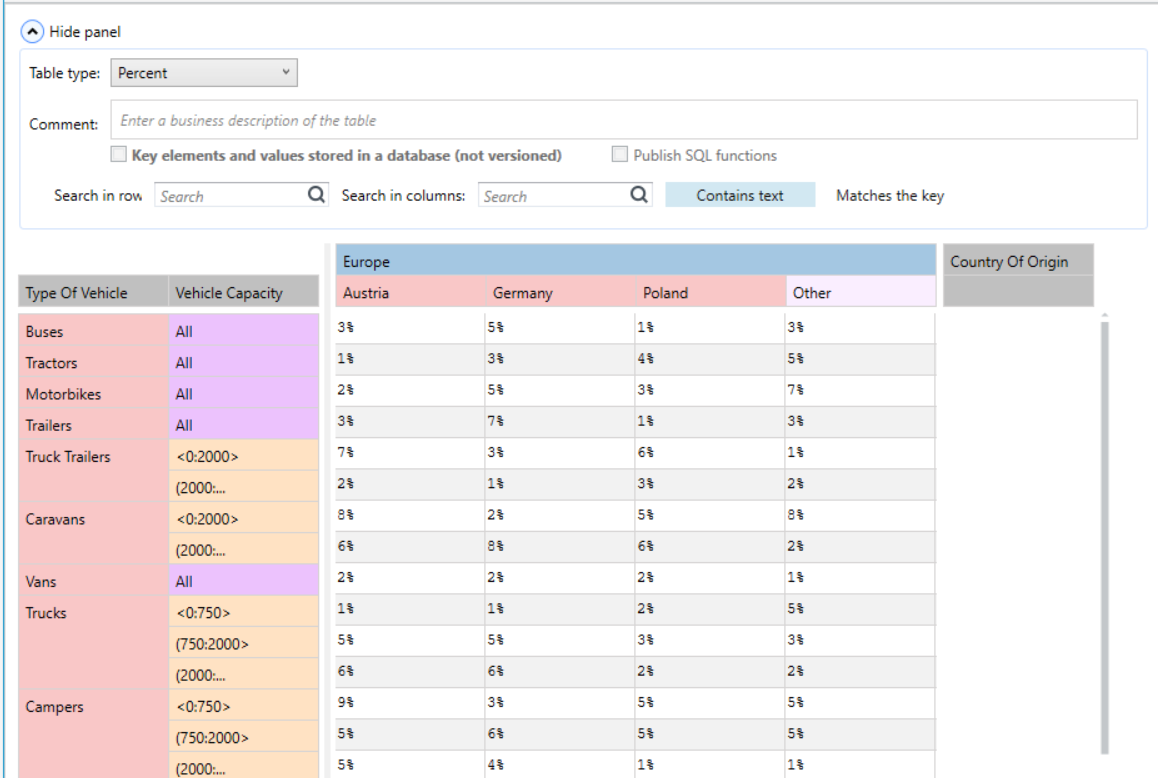
- Whenever possible, it is best to create a table, one-to-one mapping its paper/Excel etc. version to the version expected in the Algorithms. The focus should be on arranging the keys and values in as similar a matter as possible.
Thanks to this:
- Along with updates, we can see what has changed and where more easily,
- This will enable us to efficiently paste values from Excel format.
Recommended - If there is no need to follow the point above:
-
number of table columns should not exceed six,
-
with a large number of elements, the table should be higher rather than wider.
-
All descriptions of the columns (grey fields) should be filled in and should give a business-like description (maximum three words) of what is in a given column.
-
The exception to this rule is a single column with the key “All”. Here, the description field should be left blank.
Naming in the version server
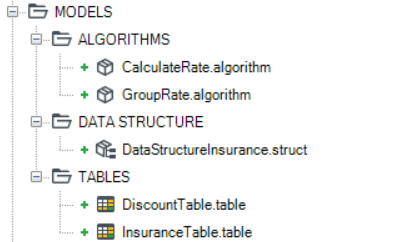
- We use capital letter to name the models, without national characters.
- Model names are preceded by a prefix denoting the algorithm they belong to (e.g. CL INSURER).
- It very often happens that the model needs to be updated. In this case, in the naming of the model version, we provide the date of its update.
The table is valid from...
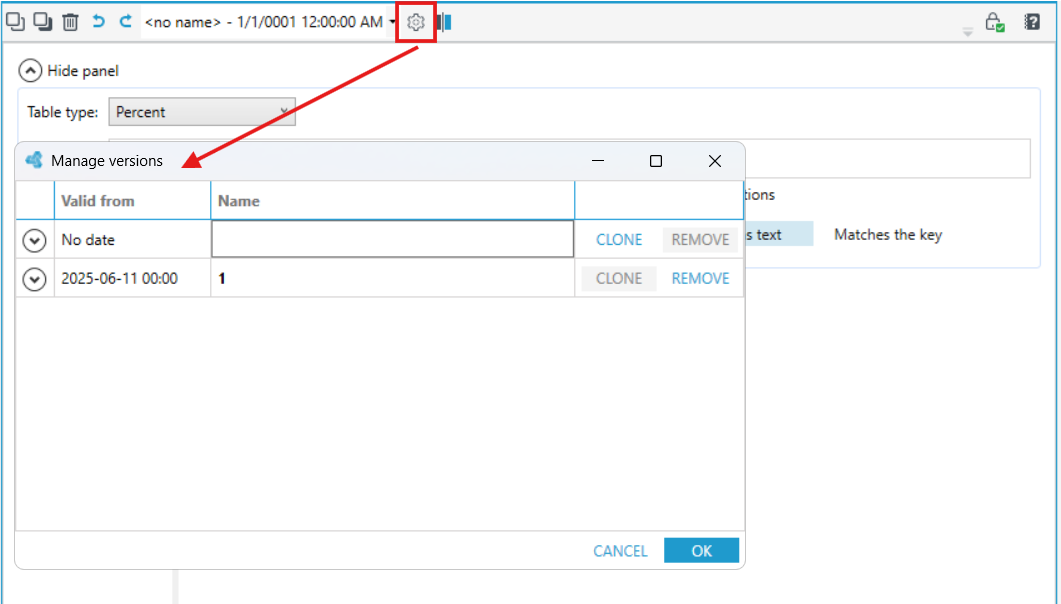
If there was a need to make changes to the table, and the new version of the table must take effect from a specific point in time, this can be set in advance. Using version management, you can set the time - Valid From.