Deleting rows and columns from the table
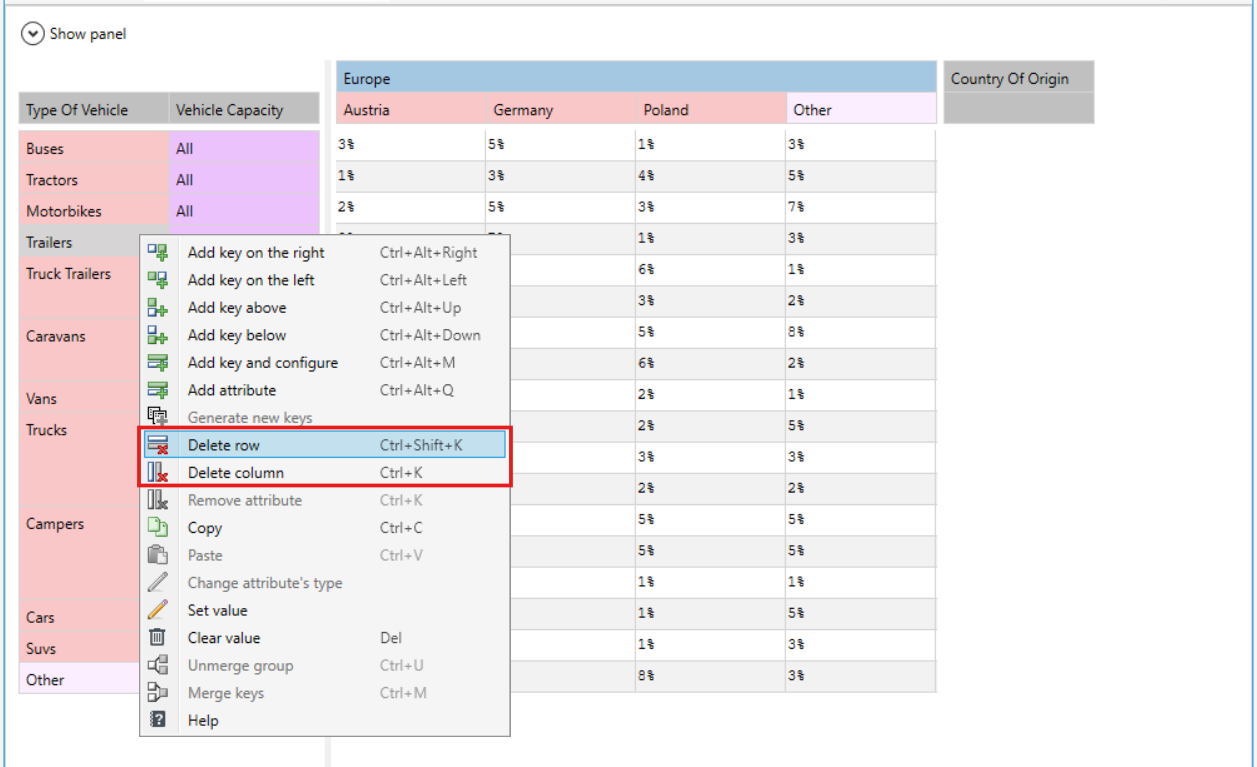
The user has the option to delete the entire horizontal key (row) or the entire vertical key (column) from the table.
- Click any field in the row or column that you want to remove.
- Right-click and select Delete row or Delete column in the context menu that appears.
tip
Along with the key that was selected before choosing the delete option, all keys associated with that key will be deleted.