Key colors
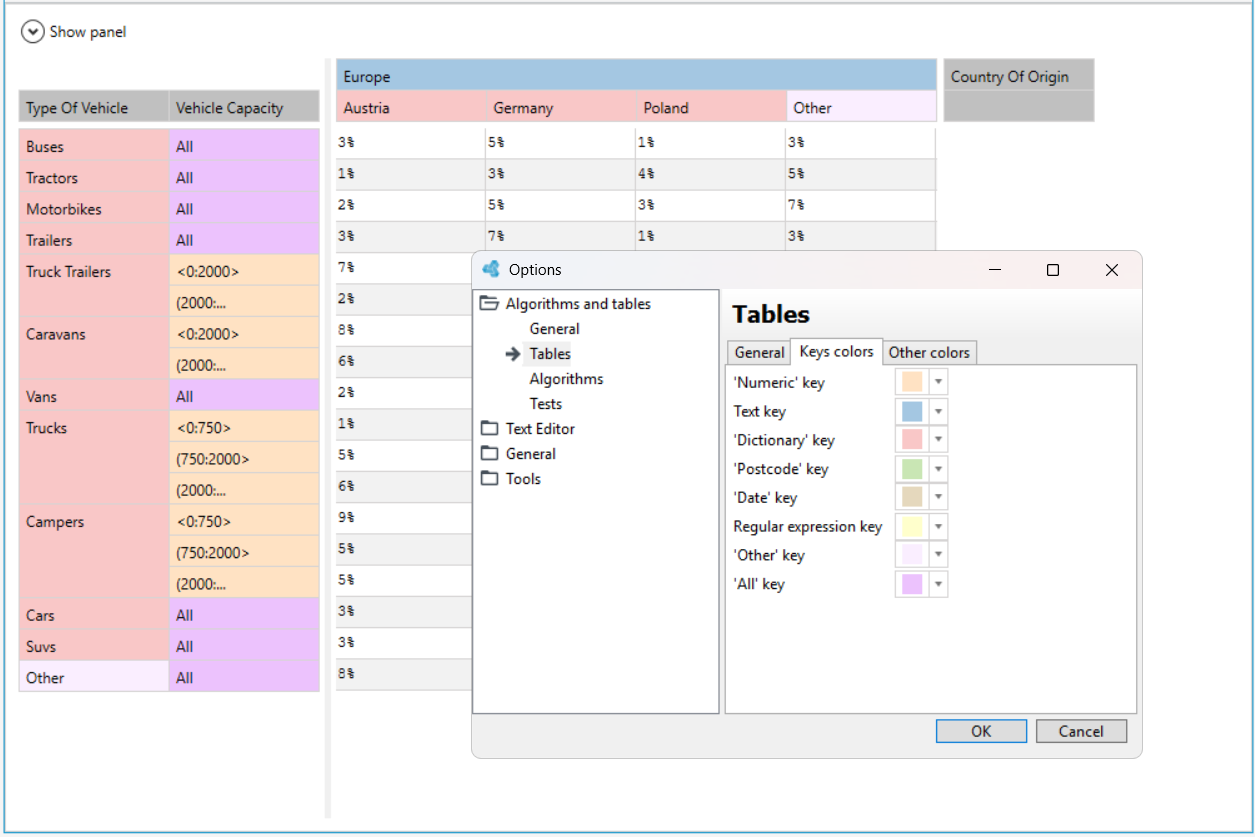
In order to better distinguish the types of keys in the table, you can mark them with different colors.
- From the Tools menu, select Options.
- In the Options window that appears, select Tables from the Algorithms and tables menu.
- Click the Key colors check box.
- Go to the Key colors tab.
- Select the item and in the window that appears, select a color from the color palette.