Table Attributes
The tables provide the option to create attributes for vertical keys that operate on a key-value basis. It is possible to create several attributes for one key.
- Right-click on the key cell and select Add attribute from the context menu.
- The default type of the added attribute is always a text type. If you want to change the attribute type, click one of the newly added table cells, right-click and select Change attribute’s type from the context menu.
tip
Please note that changing one cell will change the type of all the attributes in the column.
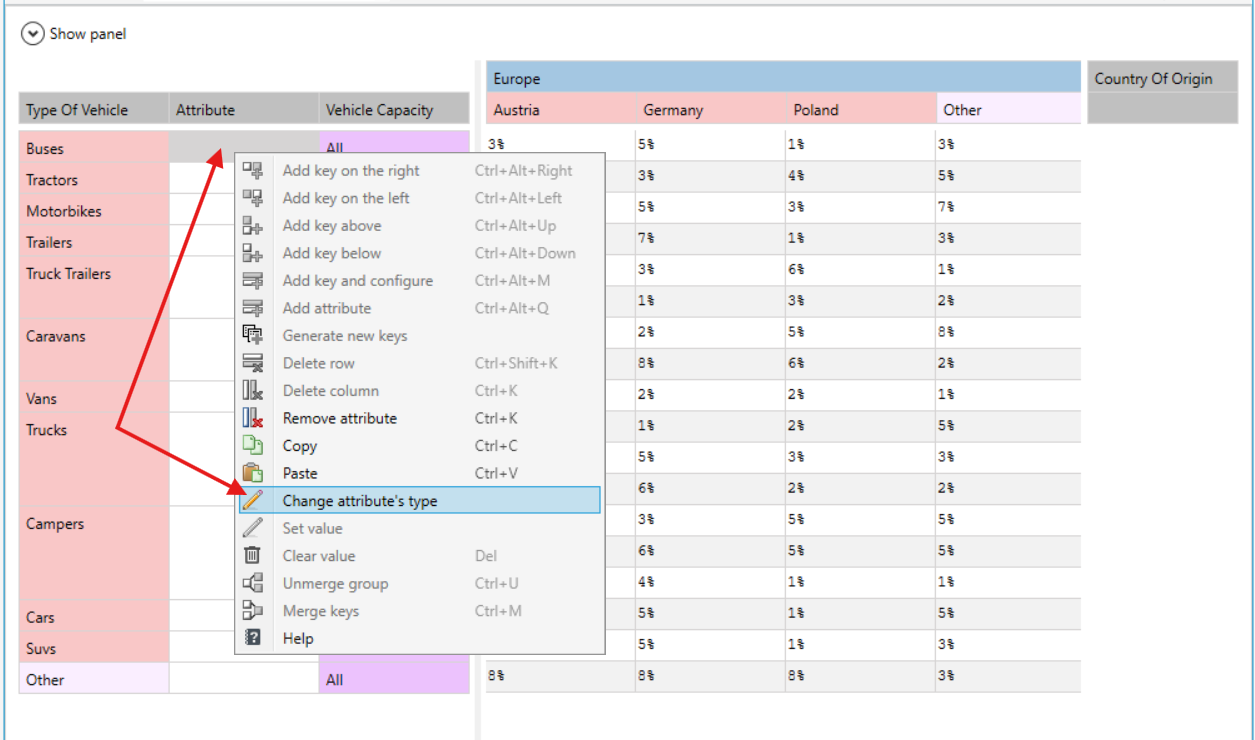
Attributes can be of the following types:
- text,
- number,
- percentage,
- dictionary,
- logical,
- version server item.