Validating the table
The user can verify the table’s correctness at any time while working on it. After checking, two types of messages may be displayed: about the correctness of the table or about configuration errors.
- From the Versions menu, select Validate, or:
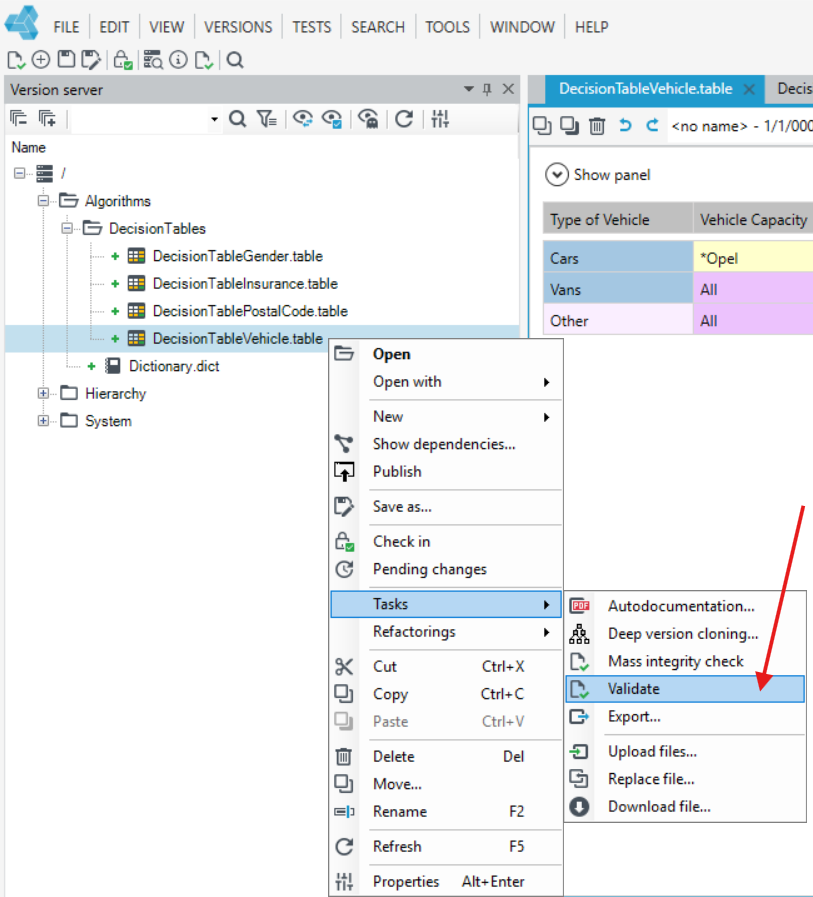
- select the Version server panel,
- mark the selected versions of the table,
- From the right-click context menu, select Tasks and then Validate.
- Select Validate All from the Versions menu. The Validate All option allows you to validate a table and the correctness of all objects associated with the table.