Versioning of tables
Tables give you the ability to create new versions of an existing table and define the scope of their validity by defining a date from which the new version will apply.
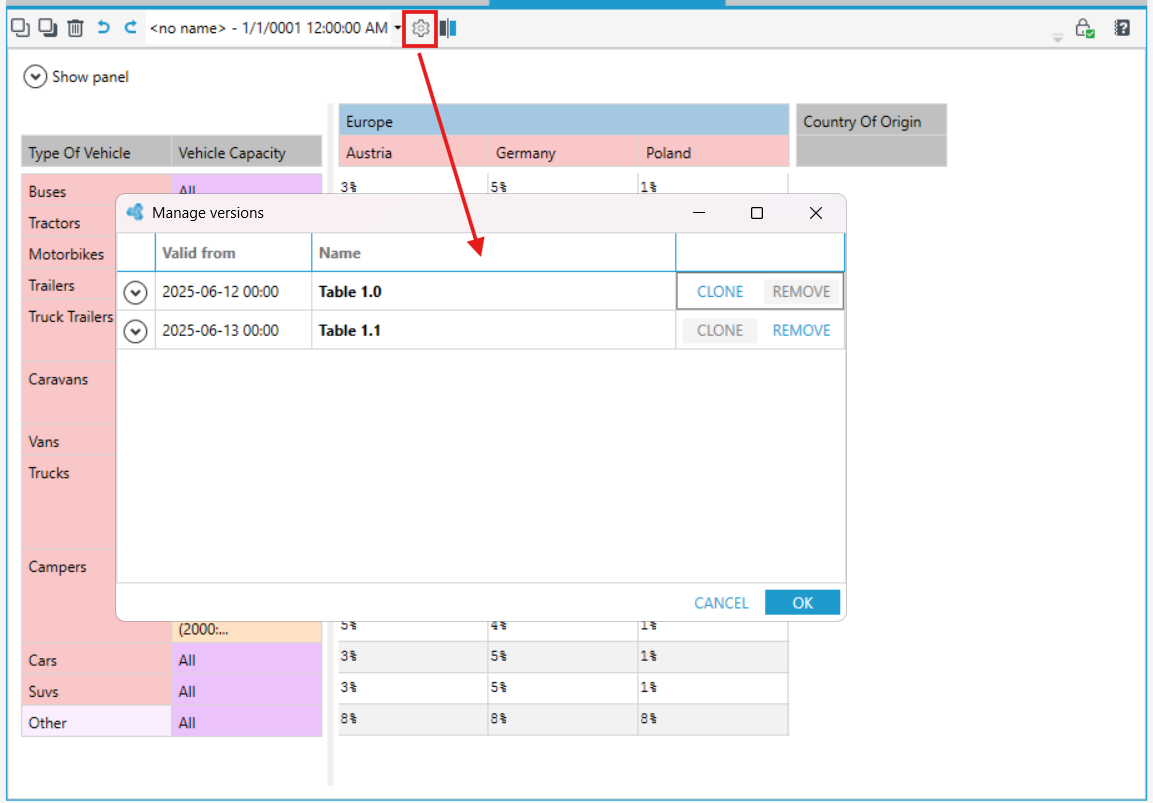
- In order to define a new version of the table, select Manage versions from the designer bar.
- In the new window, duplicate the existing version of the table, then enter the effective date for the created version and press OK.