Most common mistakes
Change in the sub-algorithm
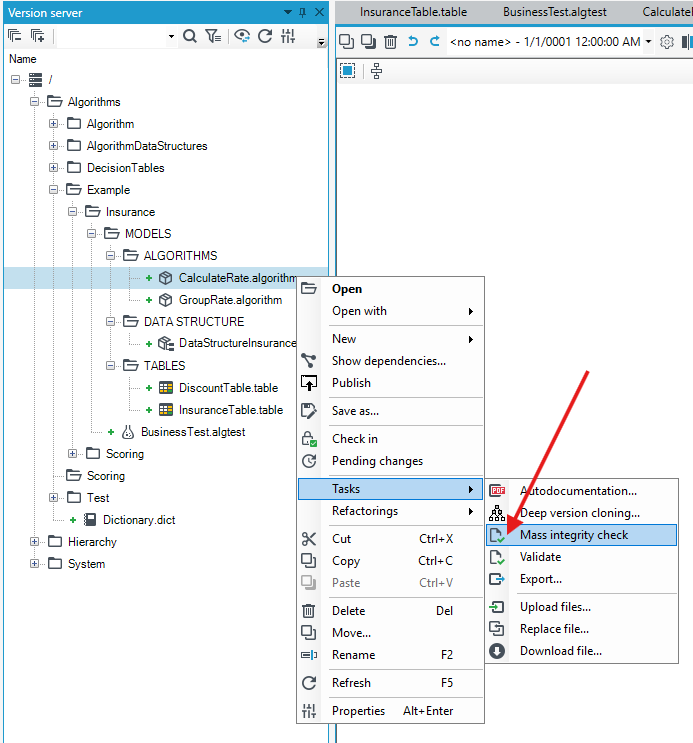
If there is a change within a sub-algorithm, use the mass validation option to check if the change has not caused any problems within other algorithms which use that sub-algorithm.
Iterating and overwriting a variable
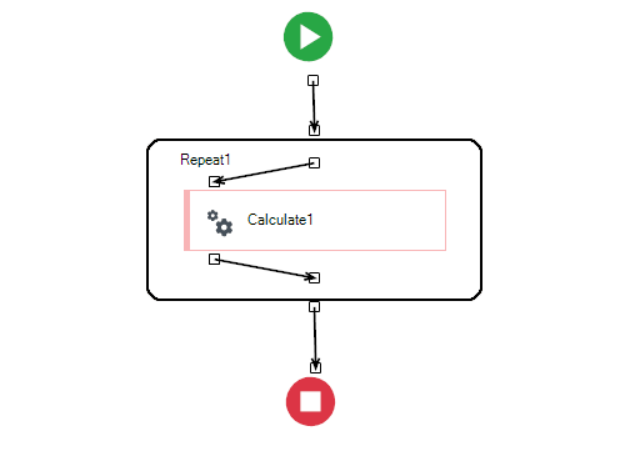
Note that if an iteration (Repeat) is overlaid on an element of the Calculate algorithm, the variable that was entered as "assign to" will be overwritten each time the loop is executed.
Closing the formula editing window
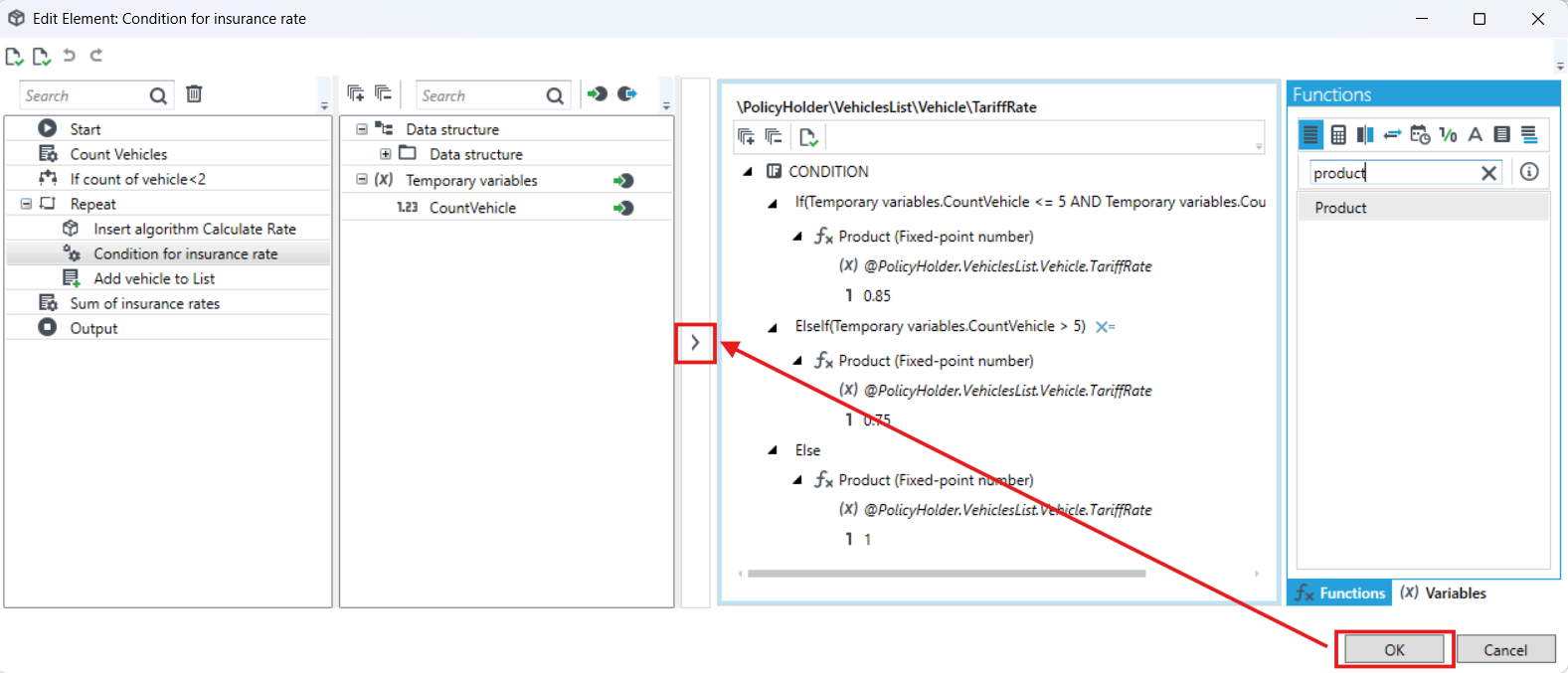
In the formula editing window, the OK button closes the entire window, which may result in the loss of entered formulas - to exit this functionality correctly, click the green arrow on the left side of the formula workspace.
Division of nomenclature into inputs/outputs in the data structure
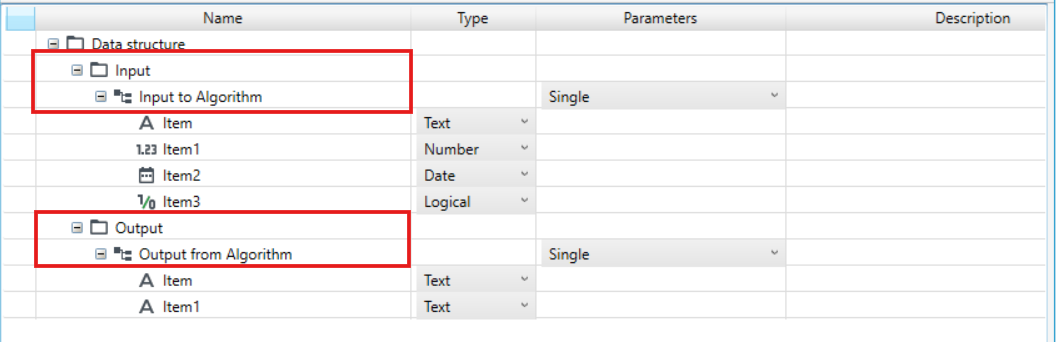
It is not recommended to split items in the data structure into two main directories (Input, Output - or their variations). With more complex algorithms, the outputs of one algorithm are often the inputs of another. The described division increases the risk of incorrect identification of the output element as the input and vice versa. Incorrect division of the structure causes incorrect location of all elements within the structure and, in the event of changes, significantly increases the cost of work.
An example of an incorrect structure: