Editing parameters through the website
Business parameters are also available for edition through the website. This allows the end user of the application to configure parameters without the need for archITekt Studio.
tip
On the version server, in the System directory, there is the BusinessParameters folder, where predefined are: lists, forms and data structures that allow you to display the parameters on the GUI.
The fastest way to display a list of parameters with the possibility to configurate and add new ones is to create a menu with a linked list of parameters.
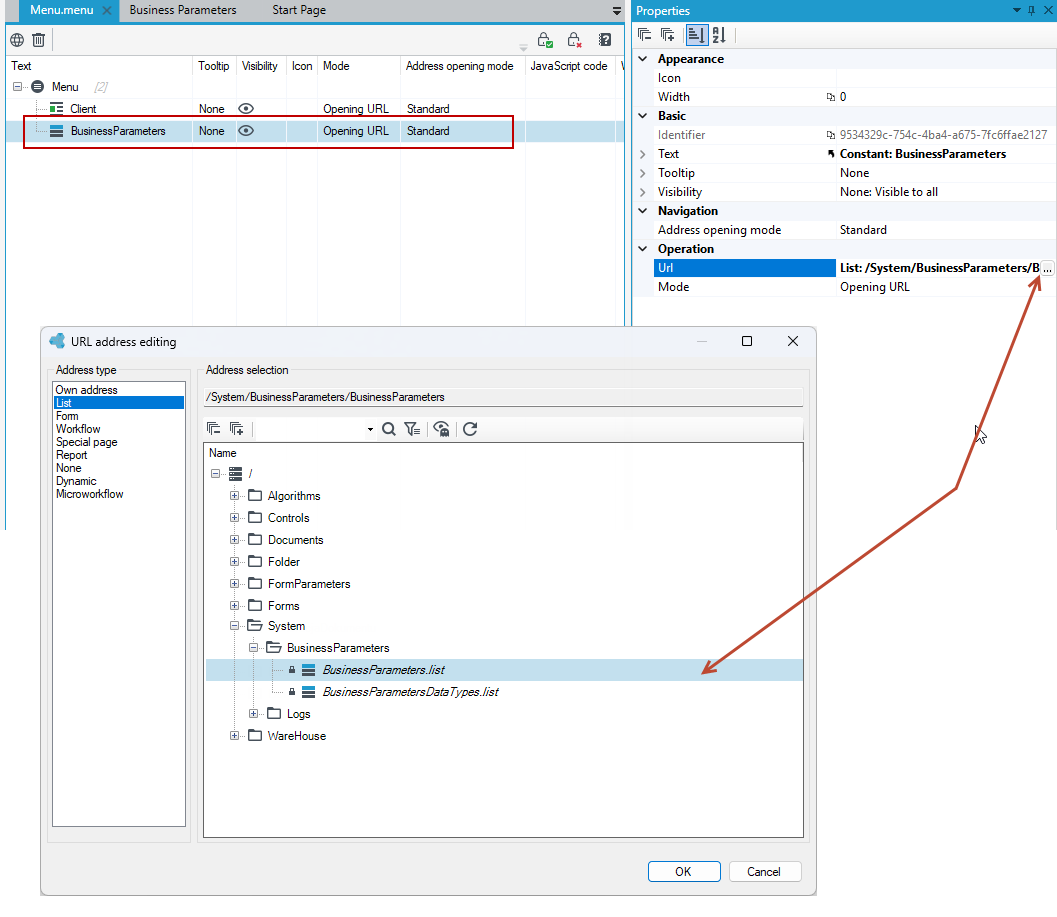
- Create a menu or add a Business Parameters item to an existing menu. Select File and New >Menu or add a new item from the context menu on the version server.
- Add the new Business Parameters item to the menu (right click on the menu and select Add from the context menu).
- Go to the Properties panel and click the Url field. In the window that appears, select List in the Address Type section, then select the BusinessParameters list and select Ok.
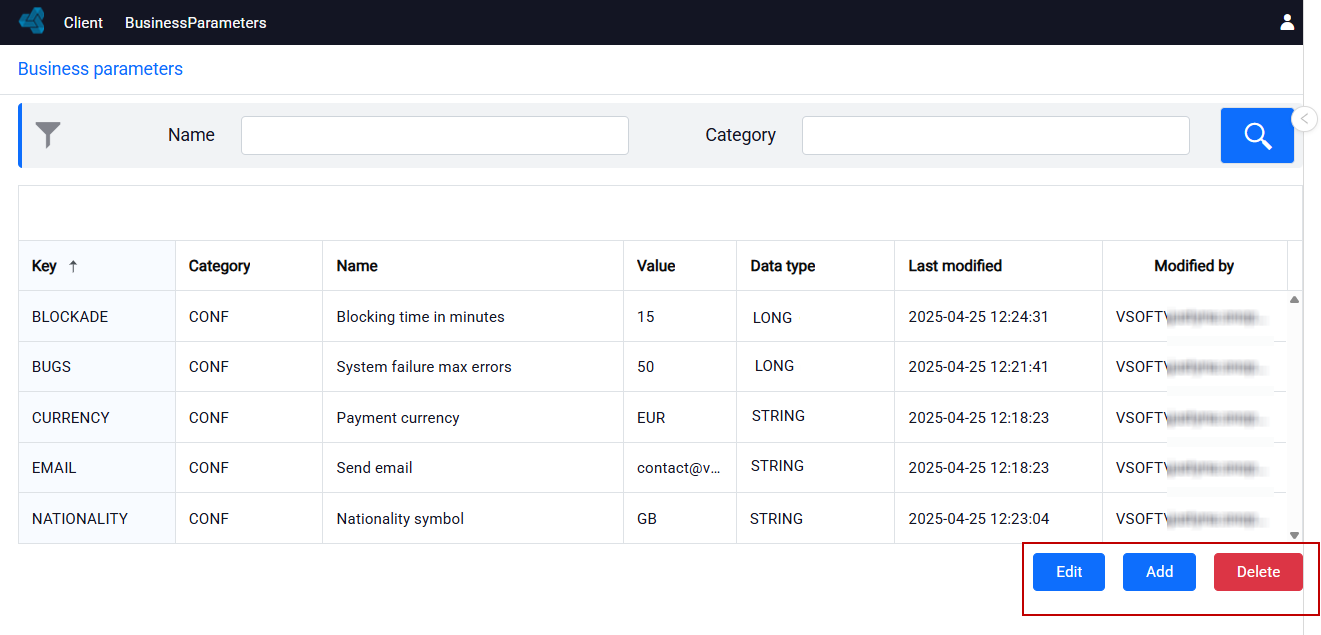
- Display the menu in the browser. You can now add new parameters, configure existing ones and delete them directly on the website, without the need to work in archITekt Studio.
tip
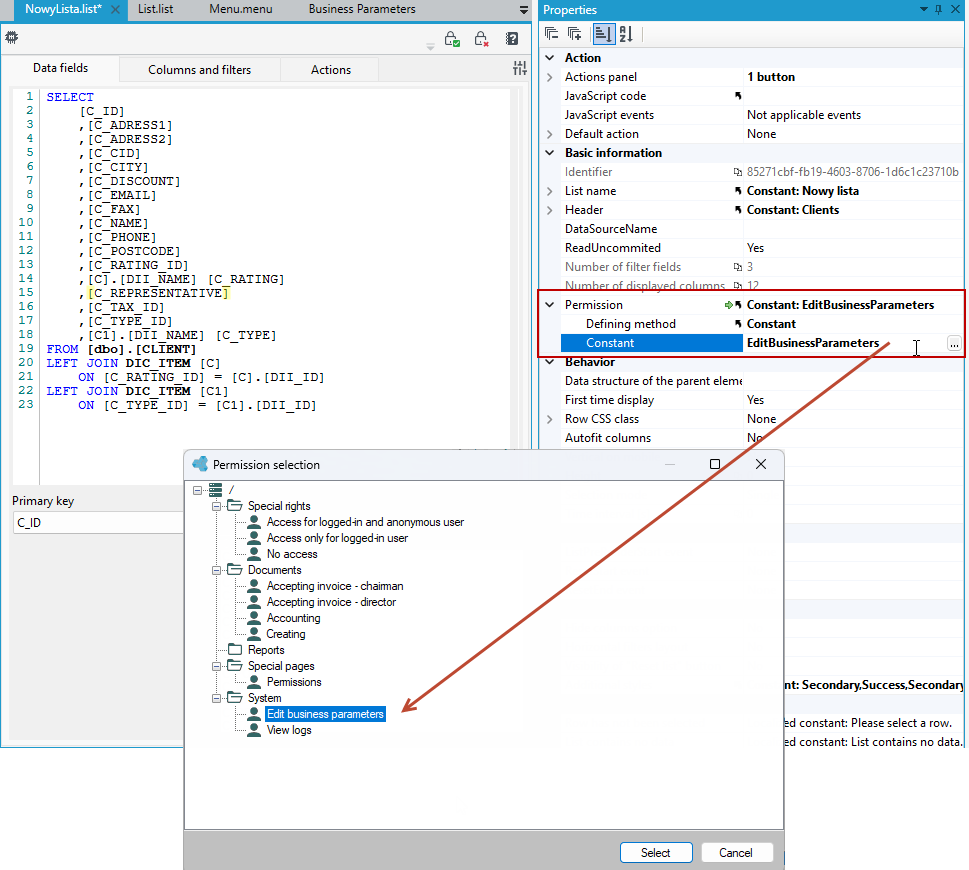
Remember that the user can edit and display parameters on the GUI only if she/he holds permissions to edit parameters.