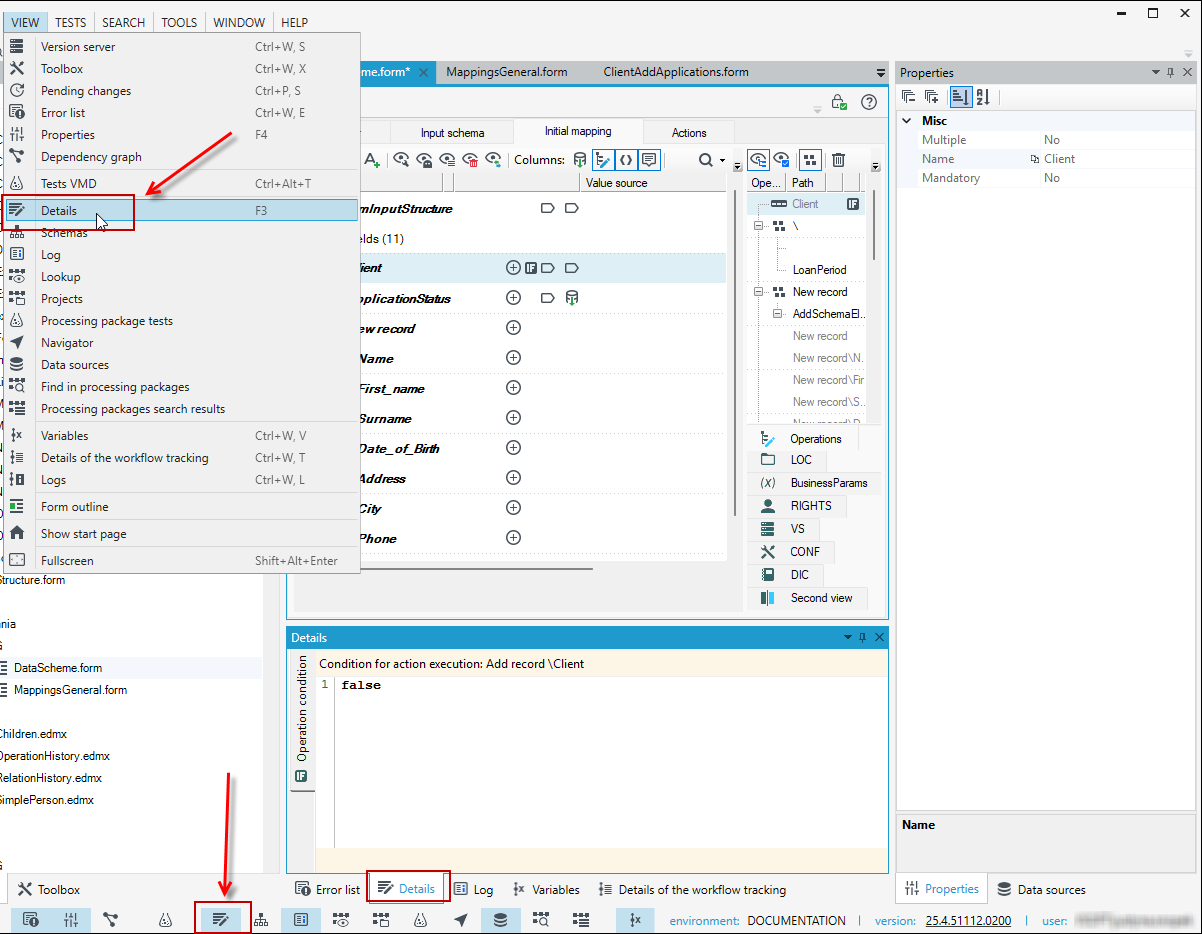
Panel Details
A Details editor panel is another element which is usually available in the bottom of Application window. Its content depends on the elements selected on the data tree or on the list of operations and it may contain:
- condition for performing an operation - see: Operations
- details of the selected annotation, e.g. of an expression which defines a value source.
The panel usually activates itself when you add an annotation, for example. You can also enable/disable it.
- Go to the View menu and select Details or activate the panel by clicking on the icon in the bottom bar.