Create your own functions
You can create your own C# functions and then use them in expressions.
- In the main window select the add icon
 or File>New or the New item icon.
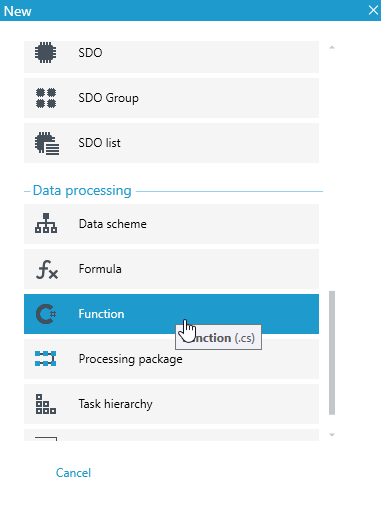
 - Next, select Dictionary structure in the popup window.
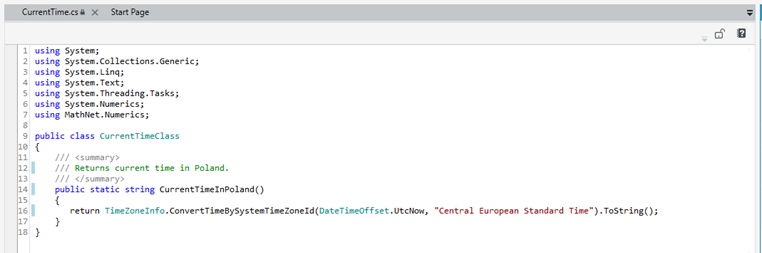
- In the editor, program the function.
Now if you go to the expression editor you can search for your function.
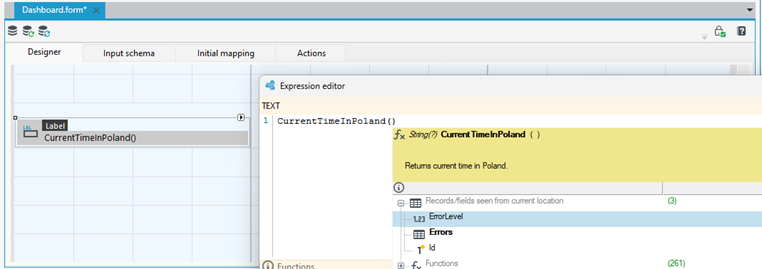
In fact, for functions to be visible in expressions, they must be public, static, return and receive platform-supported data types like:
- string
- DateTime
- decimal
- bool
- double