Delete records conditionally
As with the conditional record selection operation, you can also specify conditional deletion of records.
- Select a record on and from the context menu select Delete records conditionally.
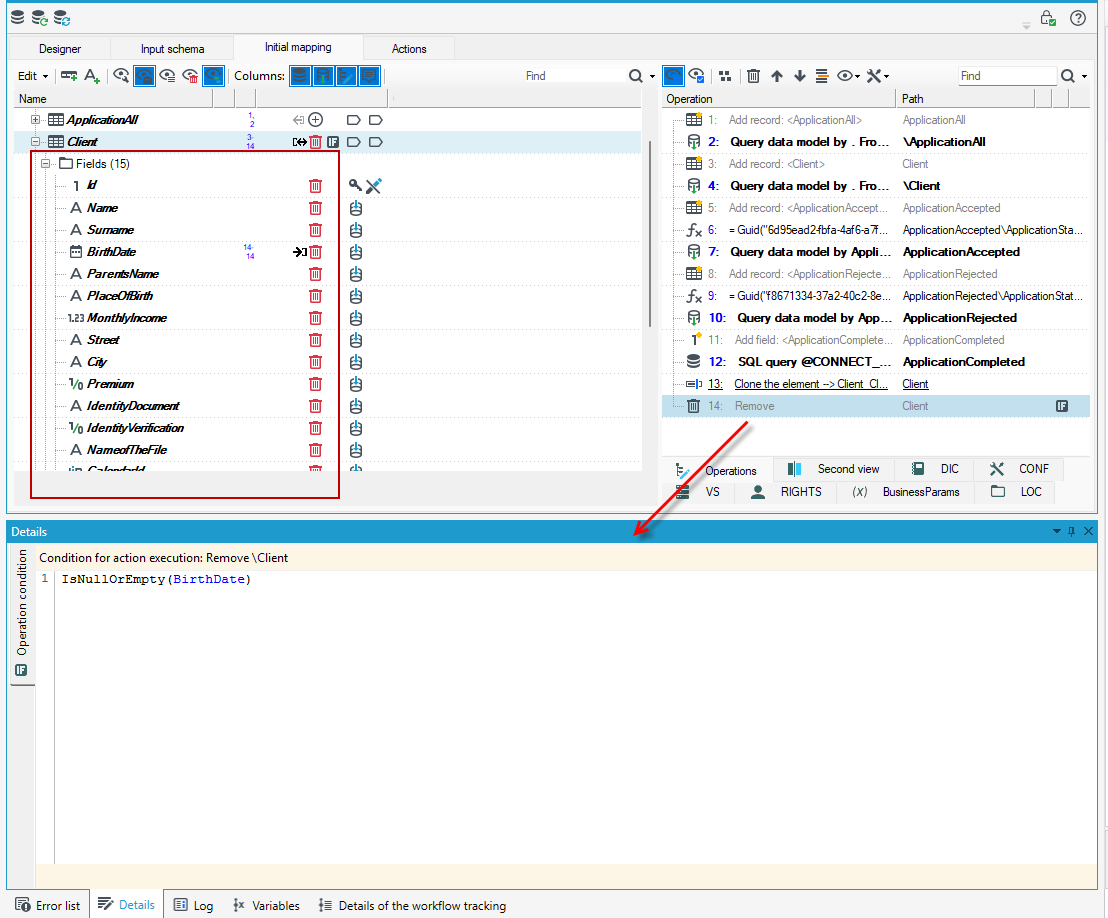
- A delete operation will be added to the list of operations and in the Details panel, you will be able to enter a condition for the operation.
- In this example, we specify that the condition for deleting an elements is an empty value in BirthDate field.
- In addition, on the Properties panel in the Destroy in context section, you can specify whether the data is to be completely removed.
- Selecting No only removes the item from the data schema but not physically from the database.
