Main menu options
The System enables different kinds of menu depending on the kind of project the User works on (package, schema, hierarchy).
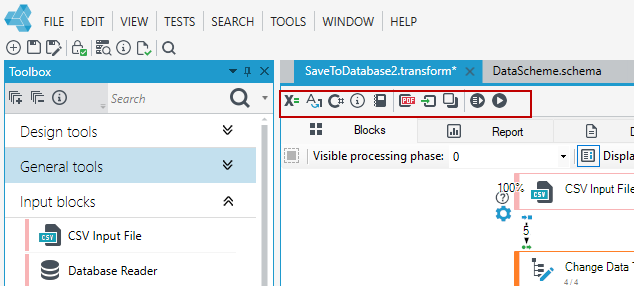
When working with the processing package, the menu contains the options to run and operate the edited package.
- Arguments declaration
- Conversion policy
- External .NET code (CC).
- Business stats
- Dictionaries
- Generate documentation
- Read logs from file
- Read logs from the clipboard
- Execution parameters
- Run/Abort execution
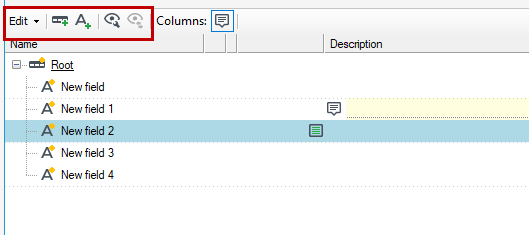
When managing a data schema, there is a menu that includes edit and view options and the ability to add a record and field. For more information, see: Data schema.
The Task Hierarchy menu contains the following options:
- Generate documentation
- Read logs/TASKS file
- Analyze task even without logs
- Runtime settings
- Attach to database
- Run TaskManager
Arguments declaration
The Arguments declaration function allows determining additional package invocation parameters. There is an editor like in the data schema where you can add fields, records and also add annotations through the context menu. More information see: Package arguments.
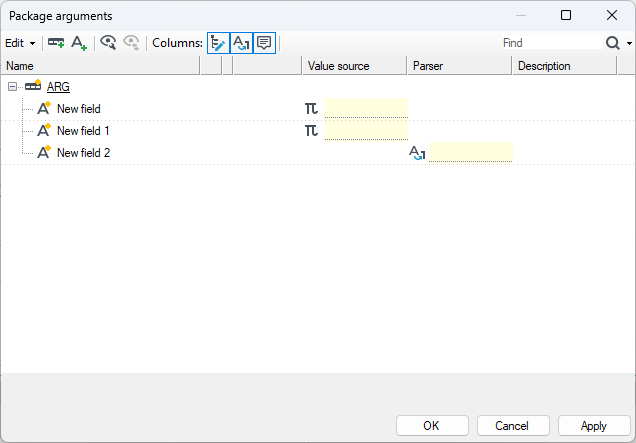
Performing the operation on records/fields has been described in detail in the chapter devoted to customizing record and field schemas (see: Annotations ).
- Given package arguments will be used when running a package.
- It is often necessary to perform a common operation on data of different types and data of different attributes and to treat data of a certain type as data of another type. Suitable type conversions should be applied in order to pursue these issues.
Type conversion policy
The Type conversion policy function allows configuring any number of data type conversion policies. Each policy may contain the maximum of 14 parser types which process text/string into a suitable data structure.
A parser is otherwise known as a syntax analyzer which analyzes input data to define its grammatical structure in connection with a formal grammar. This process allows processing a human readable text into a data structure useful for further processing.
- Configuration of parsers is connected with defining or editing the properties of the final format - after conversion.
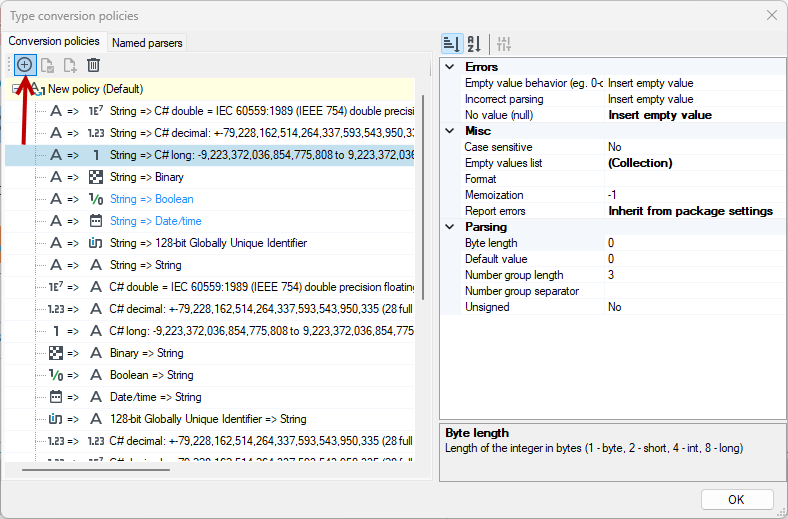
- The User may edit the already existing conversion policy by selecting it form a drop-down list. The User may also create a new conversion policy by selecting the New policy option. The option is available in the drop-down list of policies.
-
In order to add a new analyzer, the button Add new parser to policy should be selected. The button allows adding a new syntax analyzer from the list of the available ones to a currently displayed conversion policy.
-
A button Remove should be selected in order to remove a selected parser from the given policy list.
-
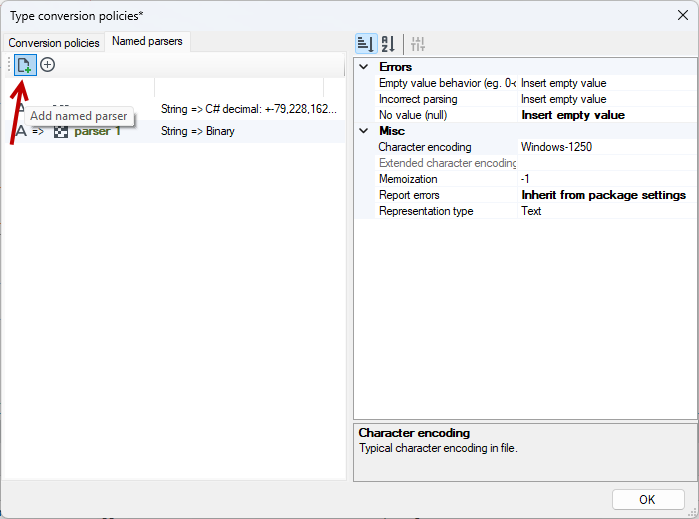
The Named parsers tab is used to define the names of specific conversions. It allows you to refer to conversions based on the given name.
The External .NET code (CC)
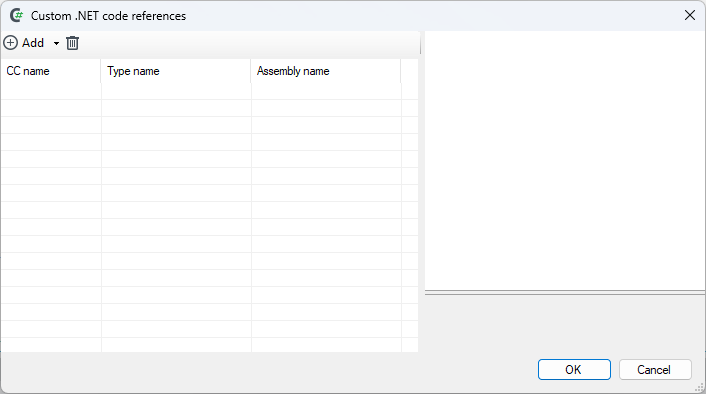
The External .NET code (CC) function is used for adding/defining external .NET Framework sets which may be used later in the Run code (CC Event) block, where CC stands for Custom-Code. As a result, in every place that allows the use of an expression, a new “object” appears, enabling the invocation of public methods (both static and instance) implemented in any .NET platform language. More about functionality see: Integration with Acitive Directory.
We distinguish several types of methods here:
- Simple methods with simple arguments.
- Methods that return records.
- Dynamic dispatch / Generics – returning different types and invoking different physical methods depending on the arguments, specifically returning data records.
- Dynamic functions – the list of actual methods is not predefined; it is calculated based on various factors (e.g., available dictionaries). This mechanism will not be described in detail here, as its use requires in-depth knowledge of the engine's internal data structures.
- Methods with complex arguments (classes).
Methods with simple arguments are those that only use types from the following set for input/output: decimal, string, DateTime, bool, float, and integer numeric types (byte, sbyte, short, ushort, int, uint, long, and ulong). In addition to the listed simple types, their nullable counterparts can also be passed (e.g., int?, decimal?, DateTime?, etc.).
These can be used in any expression context – for calculating a field/record, operation conditions, validation, and in the Run code block.
Example of a method with simple arguments:
[("Checks the validity of a 9-character REGON number")]
public static bool CheckREGON(string a_strREGON)
{
   if (9 != (a_strREGON?.Length??0) || !a_strREGON.All(char.IsDigit))
      return false;
   int sum = 0;
   for (int index = 0; index < 8; ++index)
         sum += Char2Int(a_strREGON[index]) * __Regon9Weights[index];
  return Char2Int(a_strREGON[8]) == sum % 11 % 10;
}
Each method (and argument) can also be annotated with standard attributes from System.ComponentModel: DisplayName, Category, and Description, which provides a nicer description of it in the designer. A method can also accept arguments of type List<T>, where T is a type from the set mentioned above.
public static decimal? min(List<decimal> a_list)
   => a_list == null || a_list.Count == 0
      ? (decimal?) null
      : a_list.Aggregate(decimal.MaxValue, Math.Min);
Lists of value types cannot contain null values. When generating a list, for example from a multi-step path leading to nullable fields, all null values will be skipped.
When using instance methods, by default a single instance of the object is created and maintained throughout the execution of the package. If the method IDisposable.Dispose() is implemented, it will be called—provided that permission is granted in the code reference configuration (enabled by default for newly added references).
Static methods with simple arguments can be used in processing packages in a simplified manner: simply place the library containing the desired method in the archITekt program folder. After launching the processing package editor, the method will be available directly in the expression editor, using the fully qualified name of the declaring type, with the ability to pass data structure fields as method arguments, e.g.:
MyCustomNamespace.CustomClass.CheckREGON(Company\REGON)
Business stats
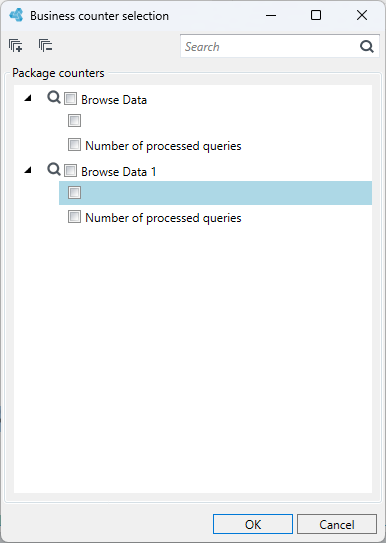
The Business stats function serves to make reporting easier. It filters out important metrics and allows you to see relevant data and trends more easily. Some blocks are correlated with business counters.
Dictionaries
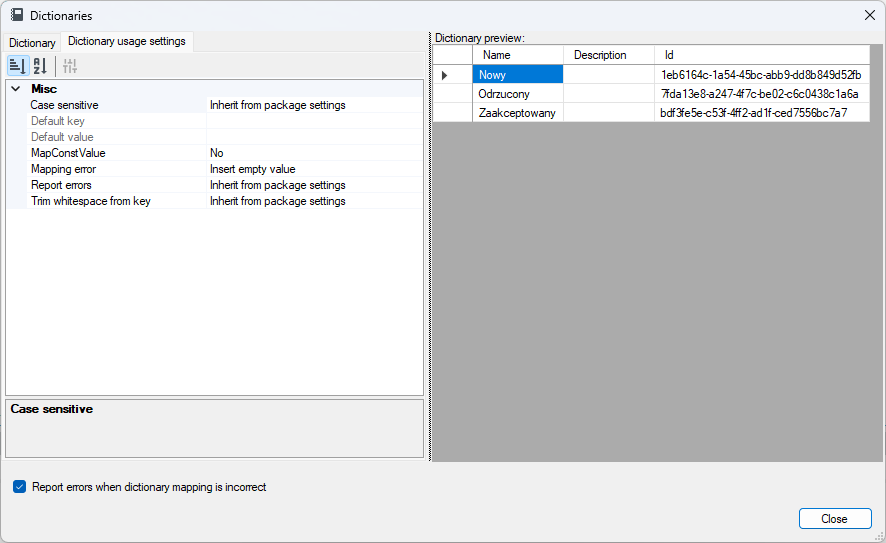
The Dictionaries function is used for selecting a dictionary which should be used when running the Dictionary annotation.
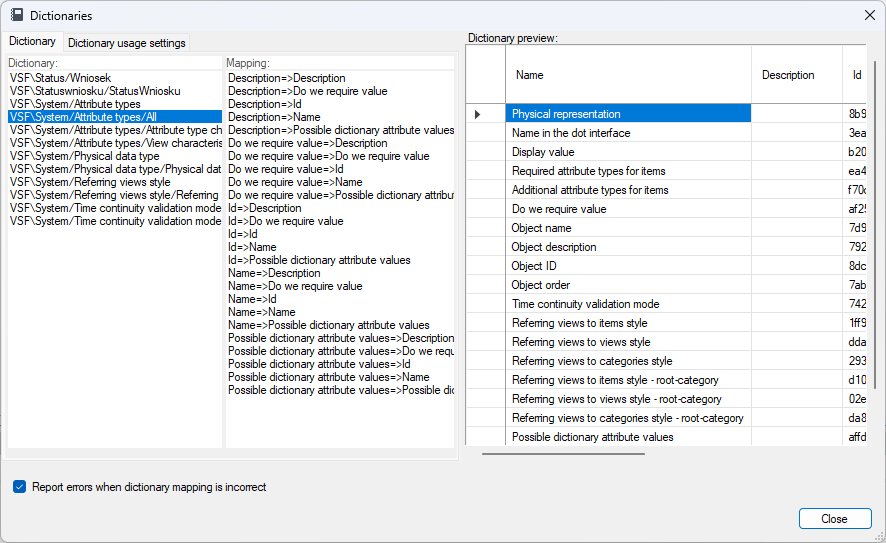
As there are a number of mappings possible for each dictionary, additionally you should define which table column acts as a key and which one acts as a value in a dictionary.
Execution parameters
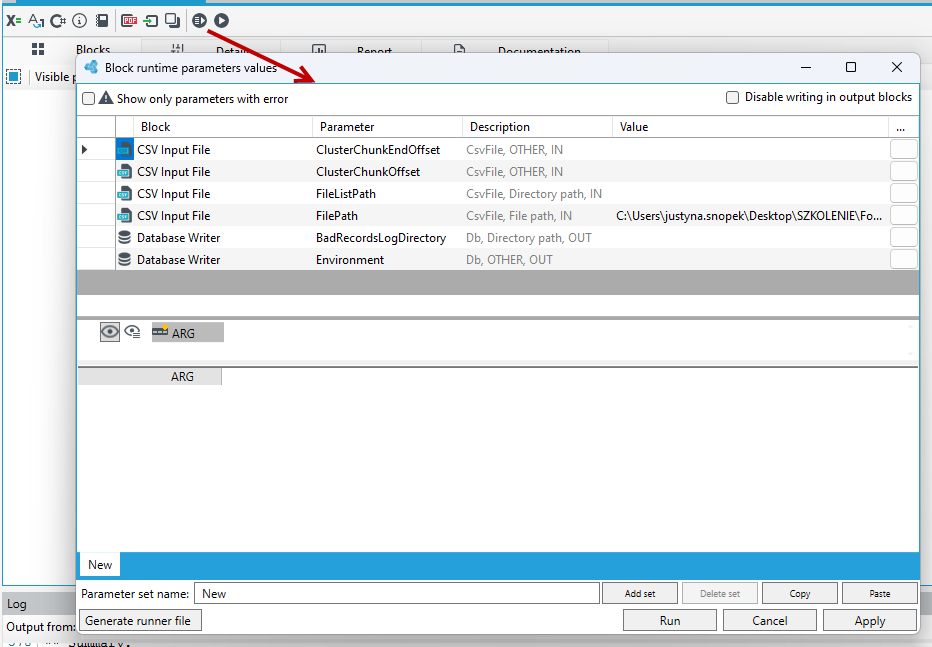
The Block runtime parameters values window is used for setting the package startup parameters.
The following things may be configured:
- block runtime parameters (top of the window) - paths to files / environment name for databases are usually set here. Parameters are used for setting files from which input blocks will retrieve data and output blocks will save records.
- package arguments - allow setting values for package startup parameters defined in the window of the Arguments declaration option.
Run/Abort execution
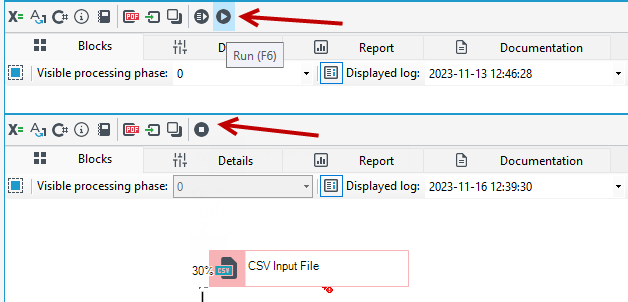
The Run option runs the processing package. The Abort execution option allows stopping the running processing package.