Create a new package/hierarchy/schema
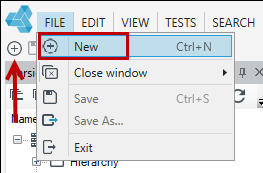
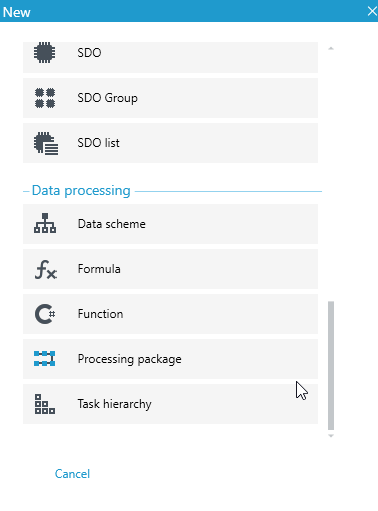
- In the main window, select New, or File>New or the New item icon.Select the element you want to create: Processing package, Task hierarchy or Data scheme.
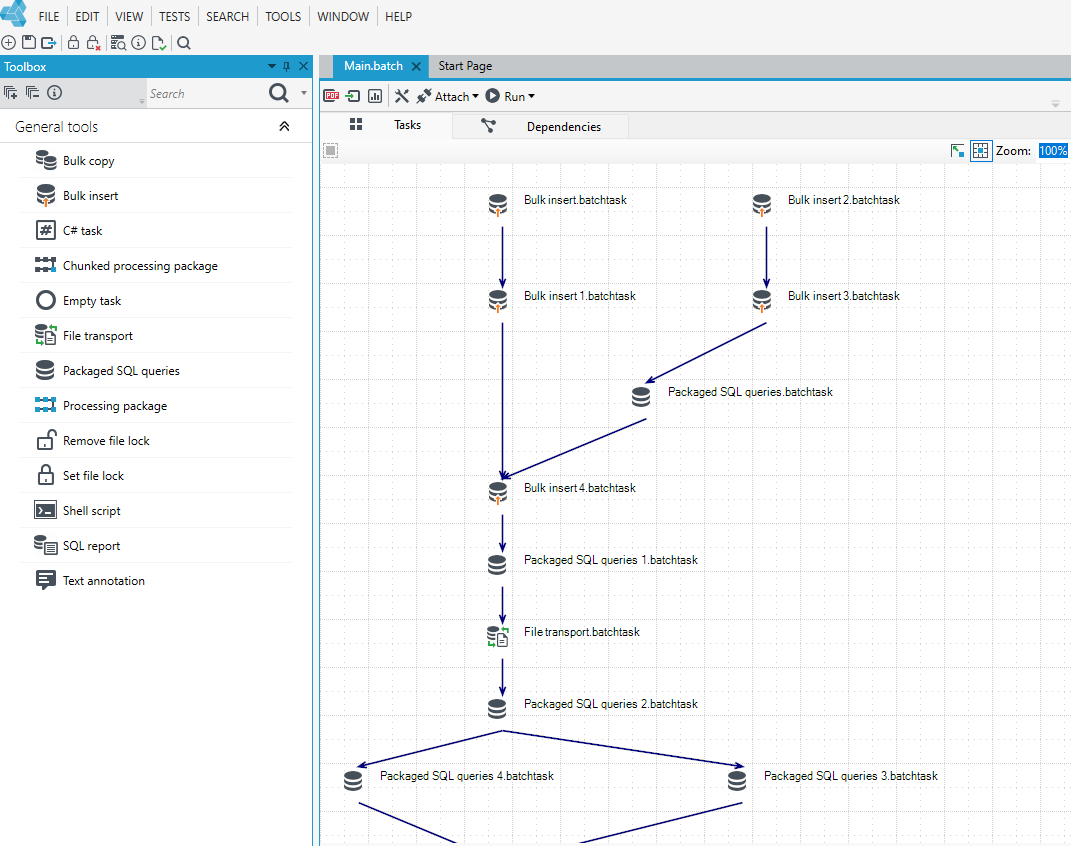
After creating the package/hierarchy, the package/hierarchy graphic editor window will be displayed.
For a data schema, a window will be displayed to create a record schema, using the available options.
When creating a schema, the User has the ability to use functions for operating on records and fields. The issues related to this are described in detail in the chapter on customizing record schemas and fields (see Data processing).
A correctly saved schema can be used when creating or modifying a processing package.
When creating a schema, the User has the ability to use functions for operating on records and fields. The issues related to this are described in detail in the chapter on customizing record schemas and fields (see Data processing).
A correctly saved schema can be used when creating or modifying a processing package.