Release 2022-Q1
The most important changes made in the first quarter of 2022 are described below.
Configuring the system time zone
Applications built on VSoft archITekt may run in a different time zone than the time zone in which the servers on which they are run work. By default, the application built on the VSoft archITekt platform runs in the time zone in which the server is running.
Applications built on VSoft archITekt may run in a different time zone than the time zone in which the servers on which they are run work.
If there is a need for it to operate in a time zone different from the one in which the server works, it is enough to add a configuration setting (modify ConfigKey). Details are described in the documentation in the section: Deployment>Application time zone.
Compatibility with Windows 11
In the current Release, VSoft archITekt's compatibility with Windows 11 has been officially confirmed. On this basis, the system requirements have been updated.
Optimization - Preview control
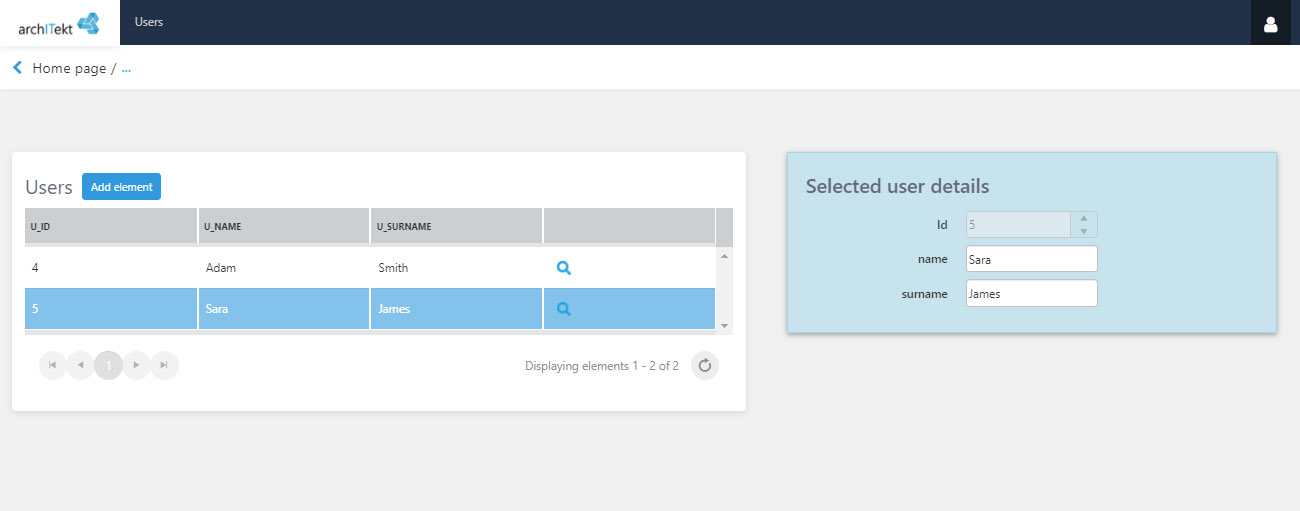
The operation of the preview control has been optimized in the User Interface - by using an asynchronous container, thanks to which the refresh time of its content has been noticeably shortened.
Breaking change – workflow timeout
Due to the change in the method of configuring the Timeout output from the state activity on the workflow from local date / time to UTC, you should locate all workflows in which the formula was used to determine the date / time of output from the state (and possibly its expiry).
If they use functions:
- Now it should be converted to Now (in UTC).
- Today, it should be converted to Today (in UTC).
- If they use date / time from another source (e.g. business value in the database, values from configuration, etc.), modify the formulas accordingly by adding the use of the UTC function (converting local date / time to UTC).
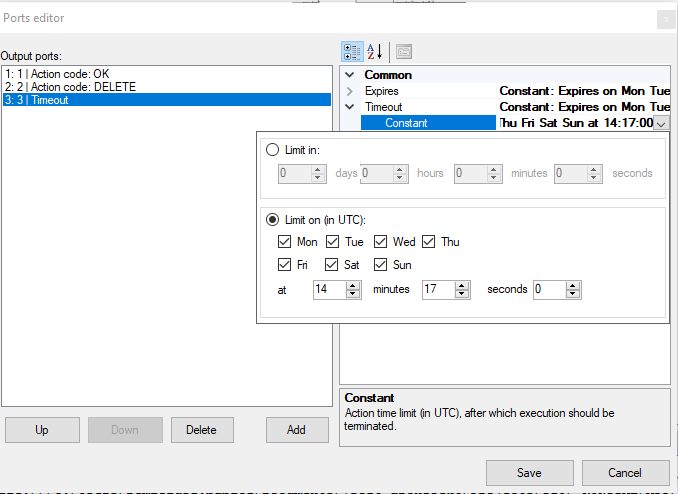
After updating process definitions, be sure to perform the procedure that updates the existing instances of these processes.