Release 2022-Q4
The most important changes made in the fourth quarter of 2022 are described below.
Integration with MongoDB
In the current quarter, ergonomics in the area responsible for integration with MongoDB has been expanded.
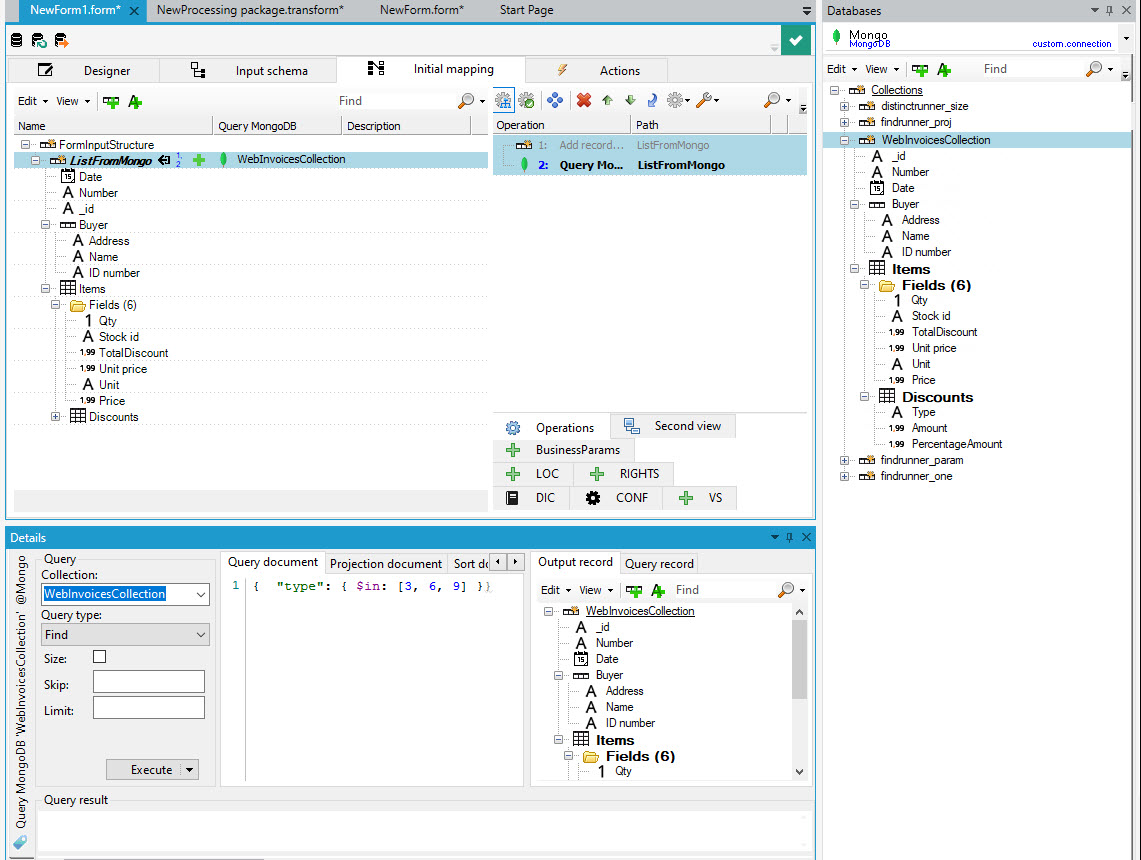
- The Databases tab displaying the contents of the MongoDB database, allows to operate on any nested structure of documents from the collection.
- The MongoDB query editor has been extended with an autocomplete feauture that prompts syntax.
- In addition to the existing blocks MongoDB Rreader and write to MongoDB, additional operations for reading and writing MongoDB collection objects have been created, allowing to perform queries to this database directly from the mapping level (that is, also directly on the form, for example).
User management
Starting from the current release, the User management, as part of a user password change operation, performs dictionary verification of the new password. As a result, it does not allow the most commonly used password combinations to be used, reducing the possibility of potential brute force cracking of a user's password.
- For development environments, additional information is presented to support the first login to the development environment.
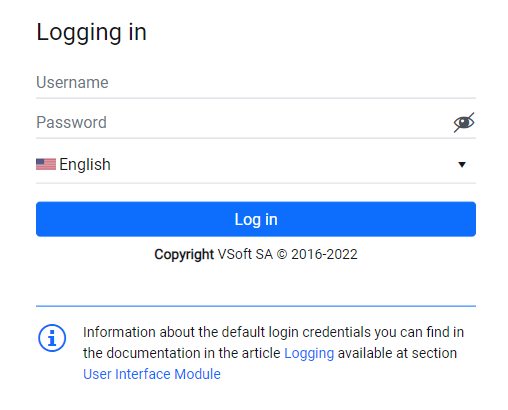
- For production environments, when creating the environment, it is possible to select a unique, non-standard login for the super user, which also reduces the possibility of a potentially successful attack on the application.
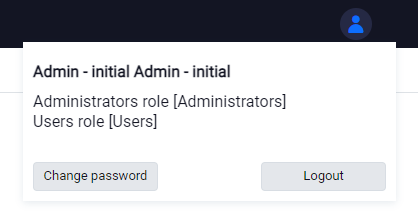
- The presentation of user data in the web application has been standardized; there is no longer a need to manually add menu items related to changing a user's password and displaying user details.
Optimizations
The launch time of the installation and upgrade environment has been reduced, thanks to optimized steps related to:
- executing scripts that update the version server,
- updating (copying) Libre Office files in the final project.
The Scheduling has received greater responsiveness in the area of presenting the history of performed tasks. The difference is noticeable on systems that have a large history of performed tasks.
Ergonomic changes
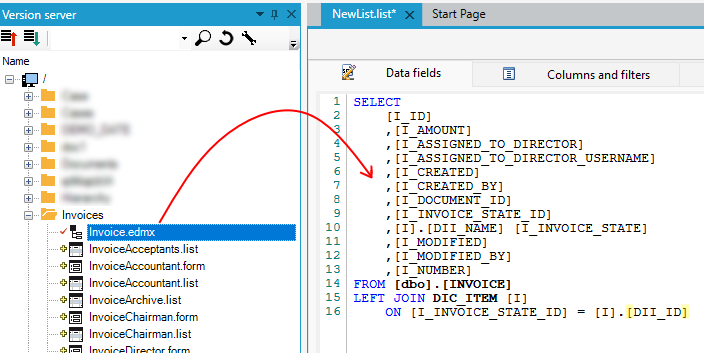
The creation of lists in the system has been greatly simplified. We can build lists using the drag & drop method: dragging a data structure from the version server onto the designer will automatically fill the SQL query field for the list. What's more - if the list uses dictionary fields, relations to these fields will be automatically added.
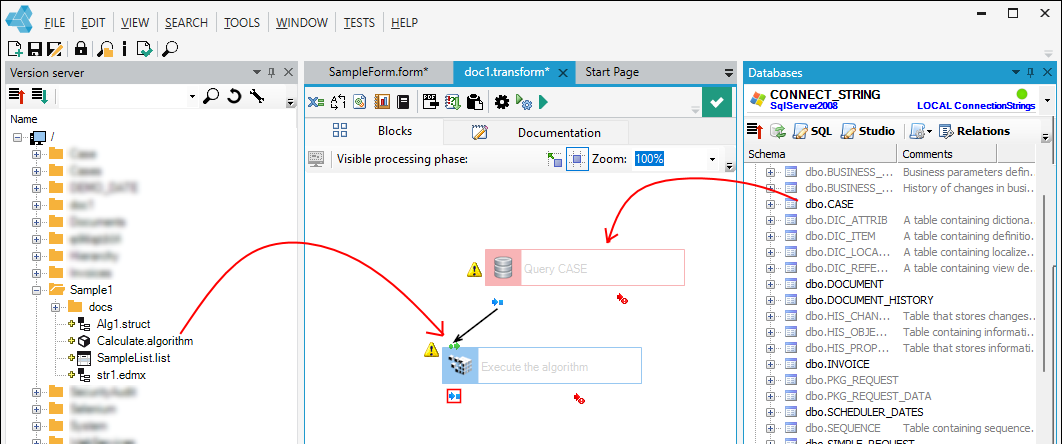
The drag & drop mechanism is also more extensively used when building processing packages:
- dragging a data structure from the database panel onto a processing package, a query is automatically created,
- dragging from the version server panel the objects of algorithm call or document generation automatically creates blocks of actions related to these objects.
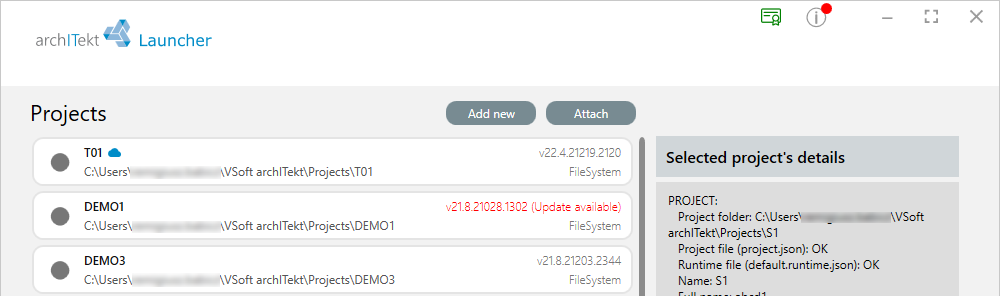
VSoft Launcher informs the user about the release of a new version of the platform. Notifications about the availability of a new version of the platform for download appear in the top bar. In addition, a notification is displayed for each project that can be upgraded to a newer version, reminding the user of this.
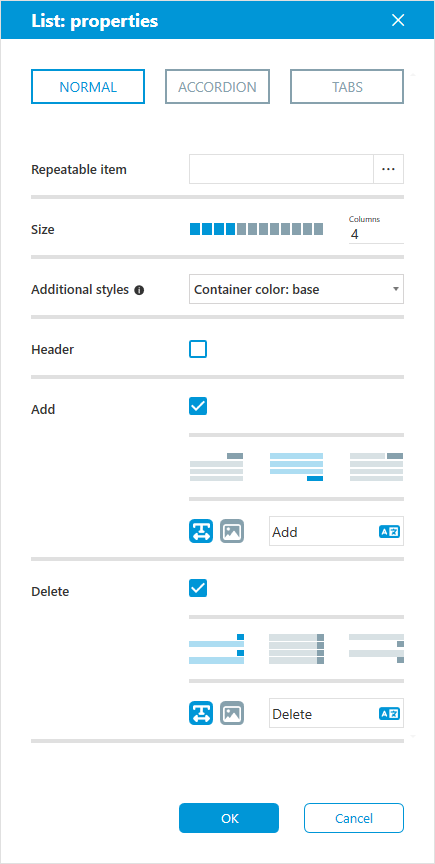
The predefined settings mechanism that is part of the User Interface has been expanded. Now the functionality of predefined settings has also been implemented to controls: recurring list, vertical list, list, group. The user is able to change more properties that can be set from the predefined settings dialog box, without having to use the Properties panel.
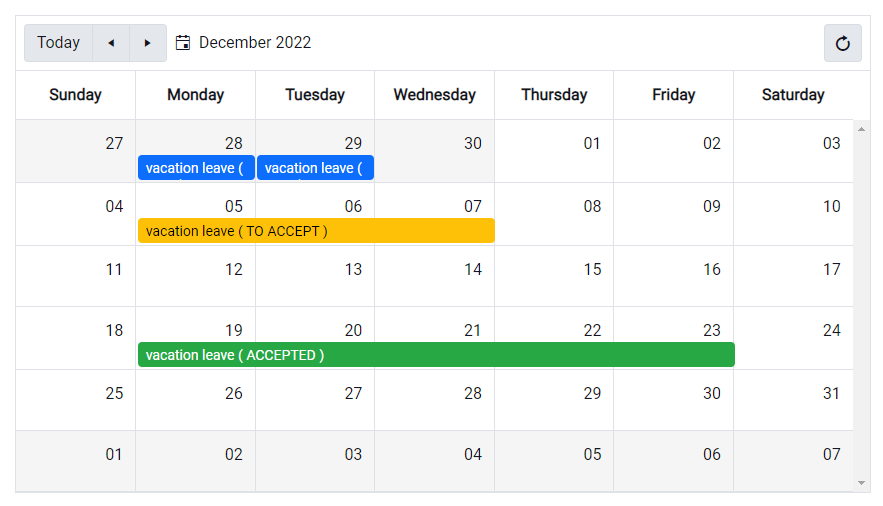
The Scheduler control in the User Interface has received better support for list display modes. It is possible to define colors for individual types of events in the calendar, and possibility to manage events via drag & drop.