Release - version 21.17
The most important changes made in version 21.17 are described below.
Changes in the web application
Possibility to bind the same structure field to several editing controls
In the current version, it is possible to bind the same data structure field to several editing controls. This is useful, for example, when you want, depending on the business conditions, to allow the user to edit values in a different way (e.g. with a different mask).
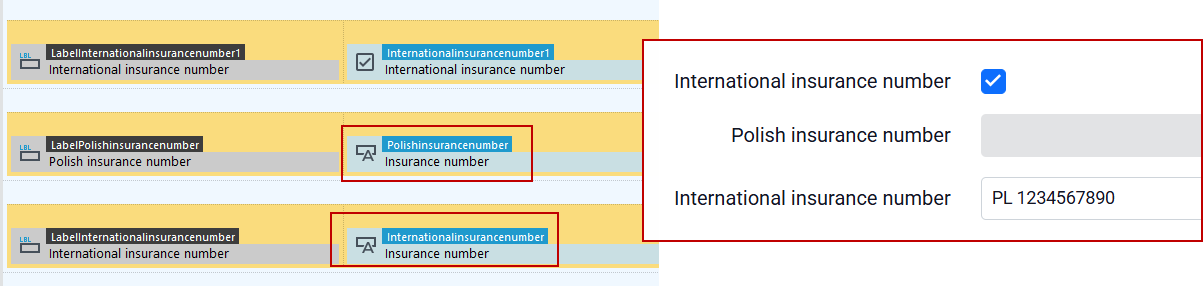
Note that data saving will succeed if the system receives a modified value in at most one of the controls - so take care to prevent the user from editing data simultaneously in more controls (e.g., by setting disabled values on them).
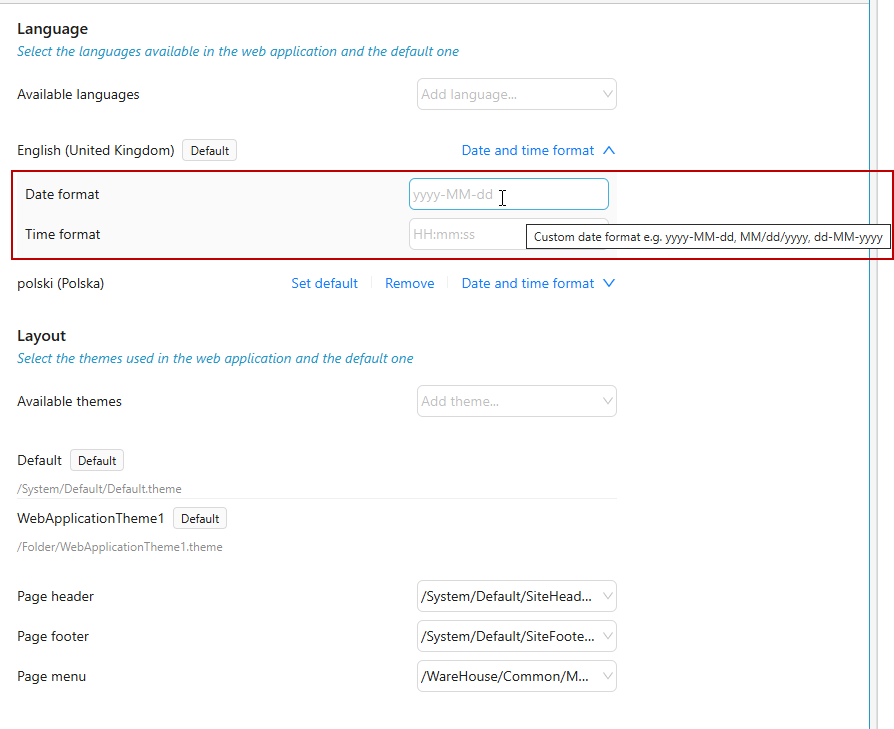
Ability to specify the default date format for the system
The application definition has been extended with the ability to specify the date format depending on the language used by the logged-in user.
New style for the form
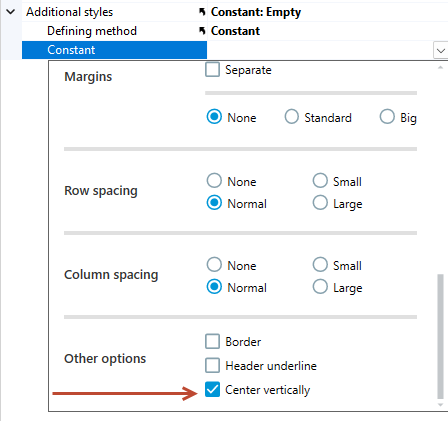
The list of styles for the form has been expanded with the possibility of vertical centering.
Defining roles
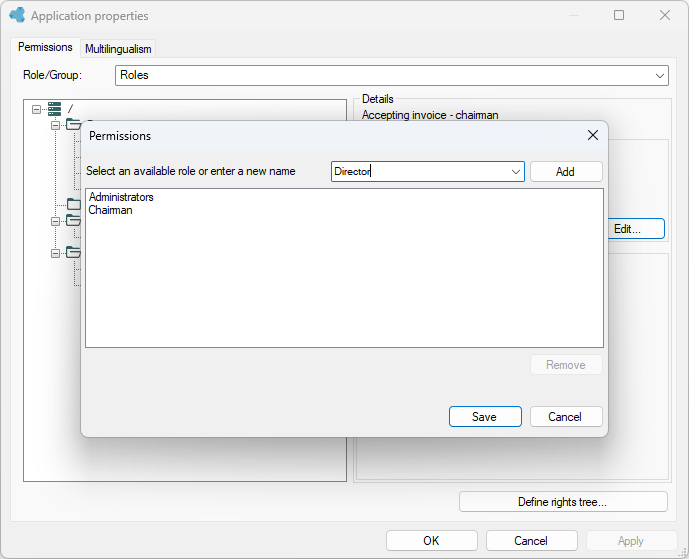
Instead of being filled by default with data from the login provider, the application's role list can be defined by manually adding roles by the low-code developer. This allows you to configure a set of roles suitable for the target environment, which may be different from the list of roles present on the environment on which you are developing the application.
New function in expressions
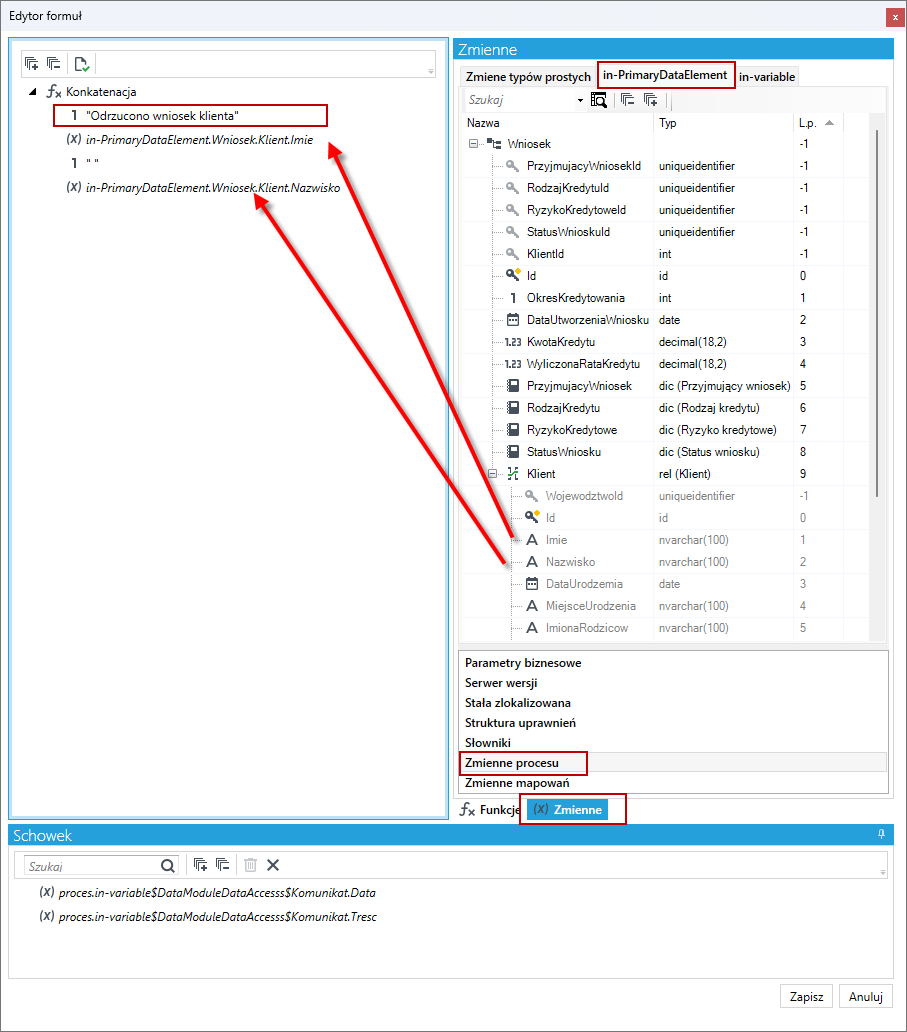
The expression mechanism has been expanded to include the GetSelectedElementsIds() function, which can return a list of identifiers of selected elements in a list - it can be used when navigating to a form to pass this value to the form as a parameter.
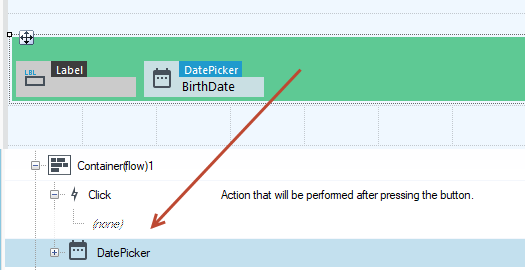
Container (flow)
The flow container has been extended to support onclick() actions.
VSoft archITekT Launcher
Support for archITekt version freezing
VSoft archITekt Launcher has the ability to temporarily freeze the version of the platform image used in a project. This causes a platform image update not to affect the project until it is unfrozen.
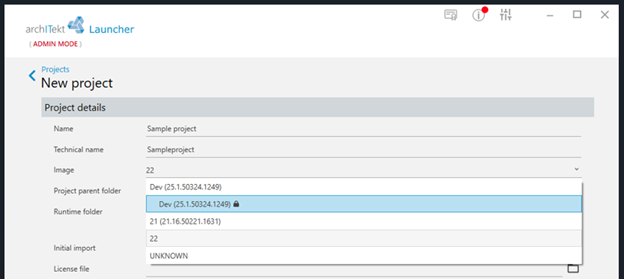
The above behavior can be useful if you are developing multiple projects at the same time and want to delay platform version updates in some of them.
Warning in case of system is too loaded
Running applications uses up system resources (CPU, RAM, disk space). When system resources are depleted, Launcher warns the user that launching another application may cause a performance slowdown.

Unified user experience in the area of development and project management
The way of managing projects of all types (Developers, OnPremises, Cloud) has been unified and improved.
User support for launching DEMO application
VSoft archITekt Launcher has been extended with validations prompting the right actions for a user who wants to launch his/her first DEMO application.
Launching processing packages from the GUI
The timeout support mechanism for synchronous launching of processing packages has been extended:
- Parameters can be specified on the run package action:
- After what time the timeout for the executed package should be signaled.
- Whether the package should be aborted or continue when the timeout is reached.
- Whether it is possible to run two of the same processing packages simultaneously.
In the application configuration (in the AppSettings section) it is possible to specify:
- the maximum timeout for running a package - the PackageProcessor_TimeoutOldCommand key (default: 20 seconds)
- to specify after how many days entries from PKG_REQUEST tables are to be automatically deleted - the PackageProcessor_CleanupOld key (default value: 60 days).
Changed the behavior of locally run packages (as part of a Web process): if an error occurs, it is written to the PKG_REQUEST table.
Other changes
- Query result display presents additional information about the columns in the tooltip (data type, formatted result in case of XML). Different column types are presented in different colours.

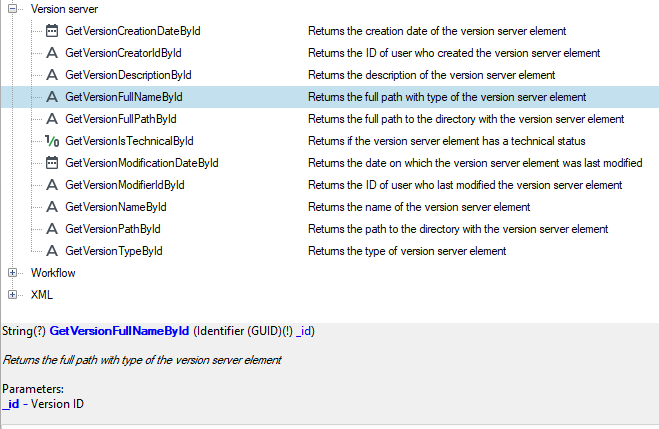
- The expression engine has been extended with a list of functions for convenient retrieval of metadata from the version server.
- The expression engine has been extended with a BLK tree used in processing packages. It contains information about the name of the current processing phase and the name of the block being executed.
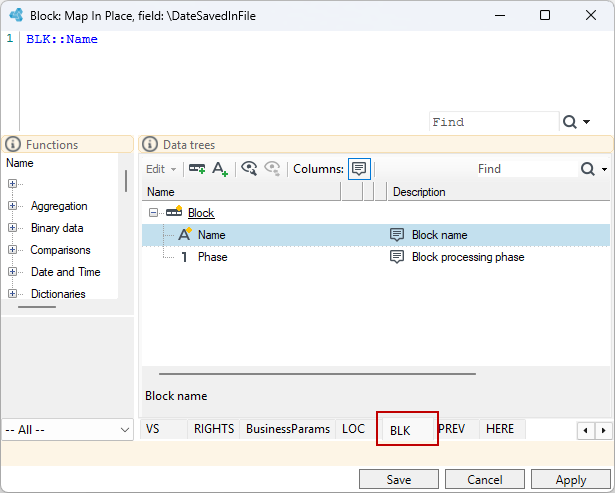
- Extended functions to handle metadata of processed data:
- GetSchemaElementName(..) -> "Client"
- GetSchemaElementPath(..) -> "Record\Client"
- The THIS:: tree is available in the add element operation, which simplifies writing annotations that conditionally add a lot of child elements to a record (it gives you the ability to use the THIS::Name operation). The element is not yet there and you can already refer to it. As a result, the same record name, SQL fragment, condition fragment can be used. Then the identical condition or SQL can be applied to many places differing only by the record name.
GetSchemaElementName / path.
- The RoleStore provider for ActiveDirectory has gained the roleNameSuffix property. It causes that:
- only roles whose names end in suffix are loaded from ActiveDirectory,
- the names of loaded roles already devoid of this suffix are passed to the application.
This is applied when deploying the same application to different temporary environments (development -> test -> production), where role names are different only by suffix.
- The logging mechanism has been extended to allow logs to be written directly to Azure Application Insights.
- In the Web application, the ability to define custom Content-Security-Policy headers has been added in the Web.config file.