Release - version 21.18
The most important changes made in version 21.18 are described below.
Ability to pass parameters from the menu
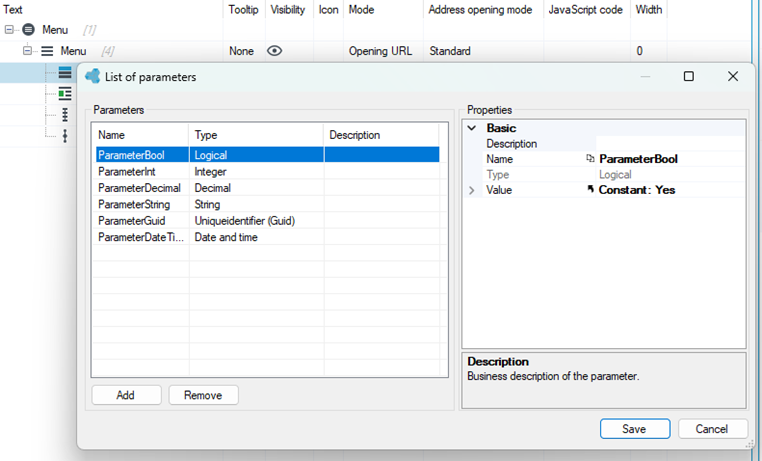
Added ability to define values of parameters transferred to forms, lists, workflows and microworkflows from the application menu.
A new operation to delete directories
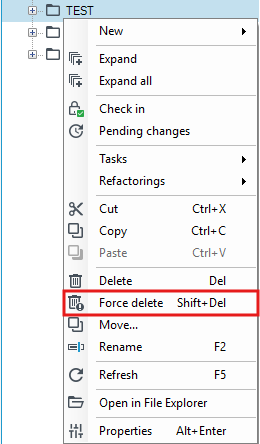
Added Force delete operation for directories, which appears when holding down the "Shift" key. It removes the directory ignoring existing dependencies.
Forms optimization
Significantly optimized form load time. Fixed a bug with the form editor flickering when dropping items from the toolbox.
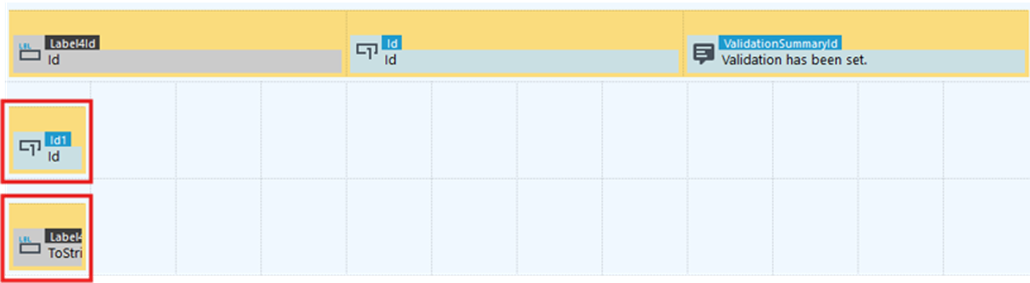
When dragging items from the toolbox, from the Form data structure section, dropping items with Shift results in moving the group with only the input field, while dropping with Alt results in moving only the value description.
Changes to the document generation block
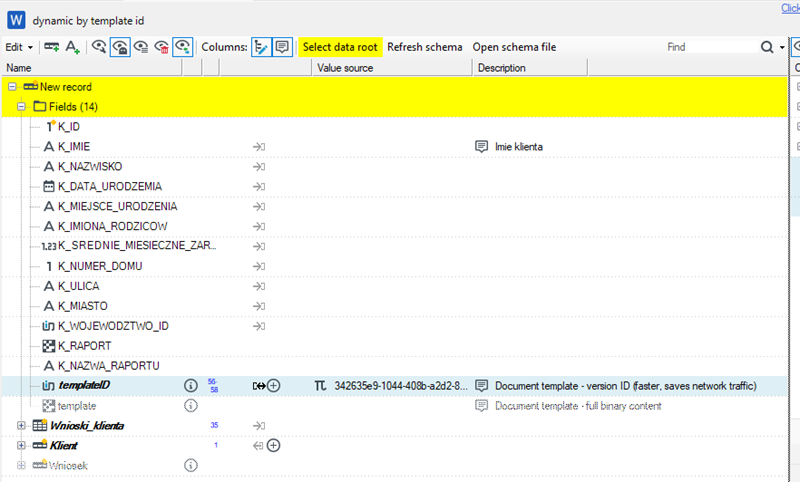
In the Document generation block, if a .vds data schema file is selected, a GUID type hint field "templateID" has been added. It allows passing the VersionId of the selected template.
Option to rename elements
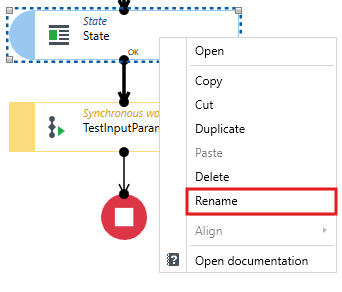
Blocks in workflows, elements in the action tree in lists and forms can now be renamed from the context menu.
Change of data type
It is now possible to change the data type from the data structure design level (if the data already in the database allows it).

Changes to VSoft archITekt Launcher
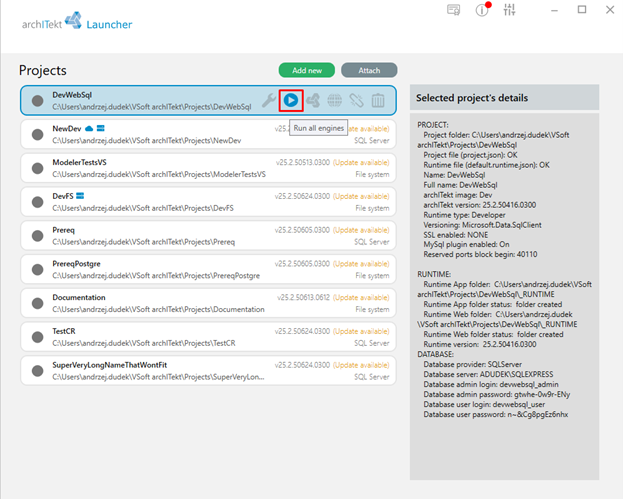
Added option to start / stop project components directly from the project list view, without having to delve into project details.
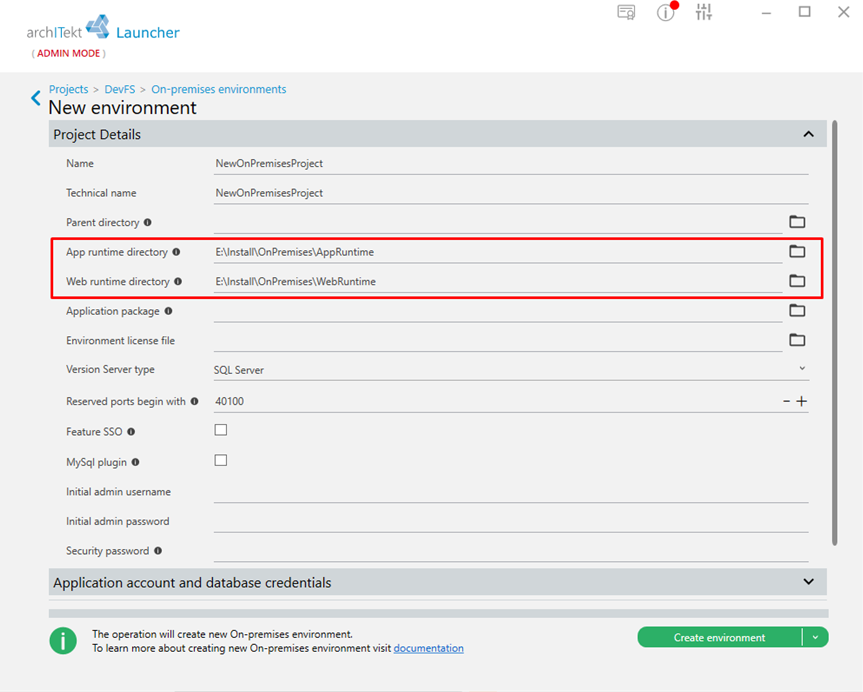
Ability to define installation directories for web and runtime components when creating an OnPremises environment.
When creating a new OnPremises environment from the Launcher, the user can select different directories in which to install application components on the application server(s) and web components.
Modification of validation names
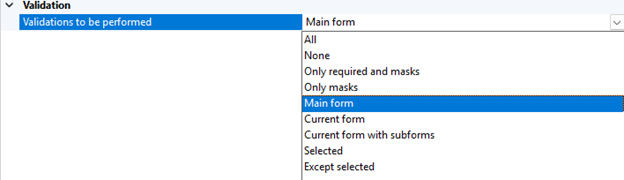
Modified the names of the validation options displayed in the drop-down menu to reflect how validation actually works.
Other changes
- The operation of defining the content of a record with an expression has a new function - it can convert arbitrarily complex .net types to VTS trees. Previously, only the "Run code - complex types" block had such a function. Now you can write, for example, a "c# function", return from it, for example, an anonymous type or POCO (your own or library) and enjoy a large data structure that can be further processed in mapping. This approach allows for very simple integration of code in all places.
- In the formula editor, functions have been added to obtain the name and description of a dictionary element based on GUID:
- Get dictonary element name
- Get dictonary element description
- The permissions tree built on .right files has been completely replaced with the physical layout of files in the version server (permission groups disappear completely, and directories are used for hierarchy).
- Added the Repair.ps1 script which restores the missing project databases. The script is mainly applicable on development/testing environments, where for any reason we want to remove a database and replace it with a new one. The script analyzes which environment databases are missing and restores them. The script does not interfere with existing databases.
- archITekt no longer changes special characters in key names when invoking the service (e.g. “@” was changed to “_”).