Release - version 21.20
The most important changes made in version 21.20 are described below.
New tag Placeholder
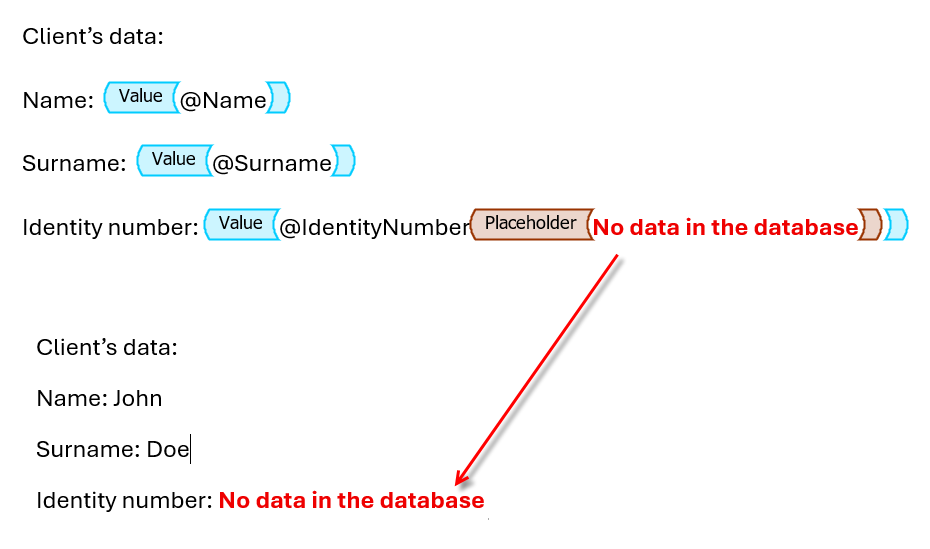
A new tag Placeholder has been added to the document template definition options. The tag content is generated only when the value of the field from the data structure linked to the parent tag (Value tag) is empty. In this case, the Placeholder tag must be placed inside the Value tag. The tag can contain fixed text, a field from the data structure, or an Image tag.
This allows the document to be handled in a specific way defined by the user in the event of empty values. For more see: Placeholder.
Defining your own scripts in archITekt Studio
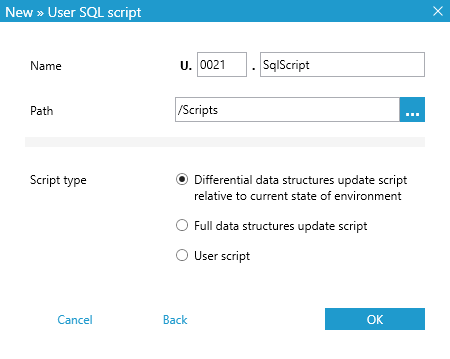
This version adds a new feature that allows you to define your own scripts in archITekt Studio. Scripts are added in the SQL editor as a new file to the server in the .sql format.
These scripts can add specific functionality at the database level or be used to migrate data from the previous version of the deployed application to the current one.
Thanks to the ability to generate incremental changes to data structures, it is also possible to manually manage the database update process, thus speeding up the process for very large systems.
Scripts must have the appropriate naming pattern with numbering of the type: U.0000.sql and are executed sequentially. For more see: Scripts.
Script management in VSoft archITekt Launcher
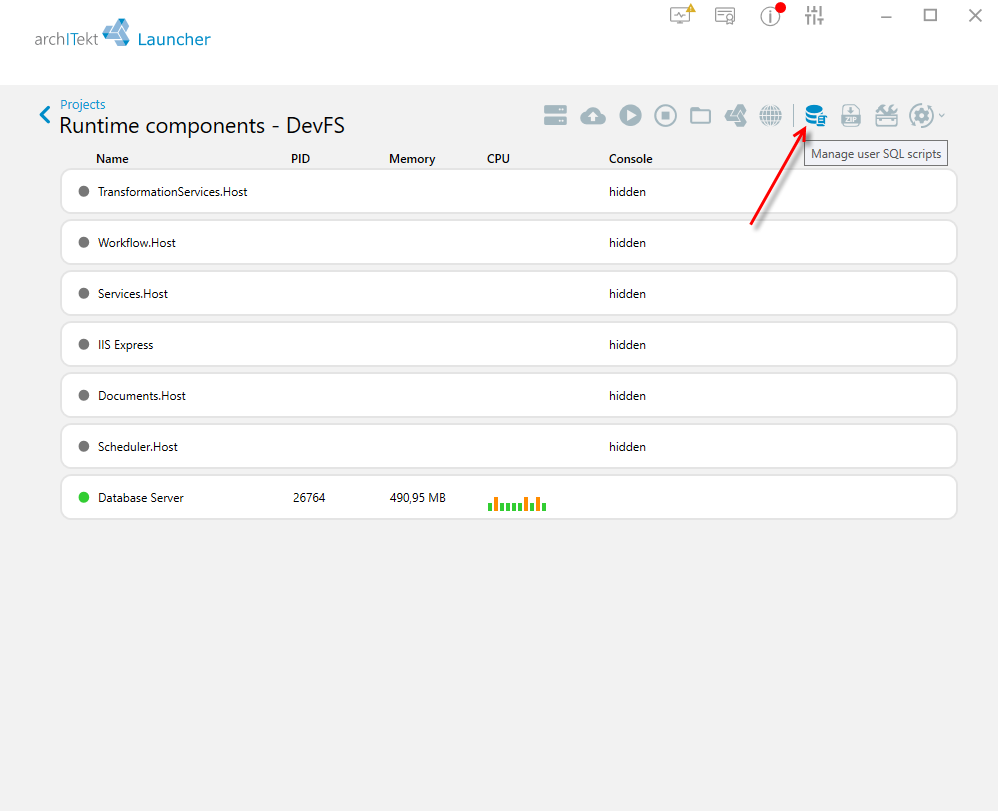
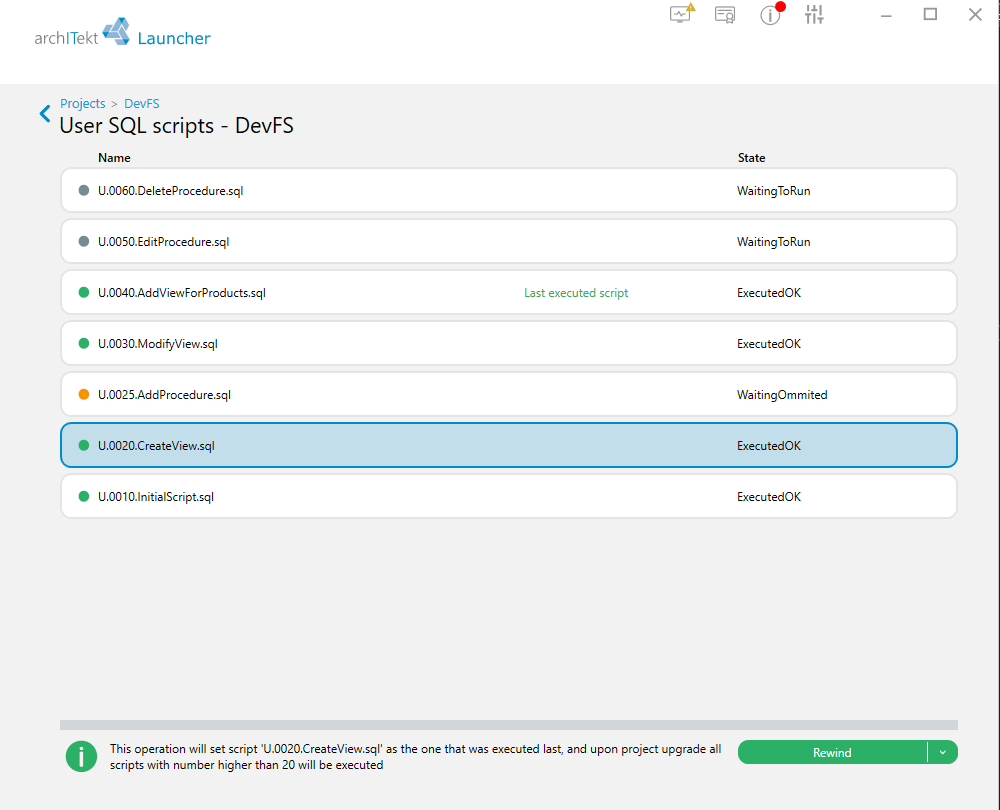
Due to the possibility of defining custom scripts in the platform, VSoft archITekt Launcher has been expanded with script management functionality: Manage user SQL scripts.
The list shows all scripts added by the user, along with information on whether they have been executed or not. The Rewind option sets the “next script execution indicator” before the selected script, and after updating the project, all scripts with a number equal to or higher than the specified script will be executed. This functionality can also be used to skip the execution of some scripts.
Conflict prevention mechanism in teamwork
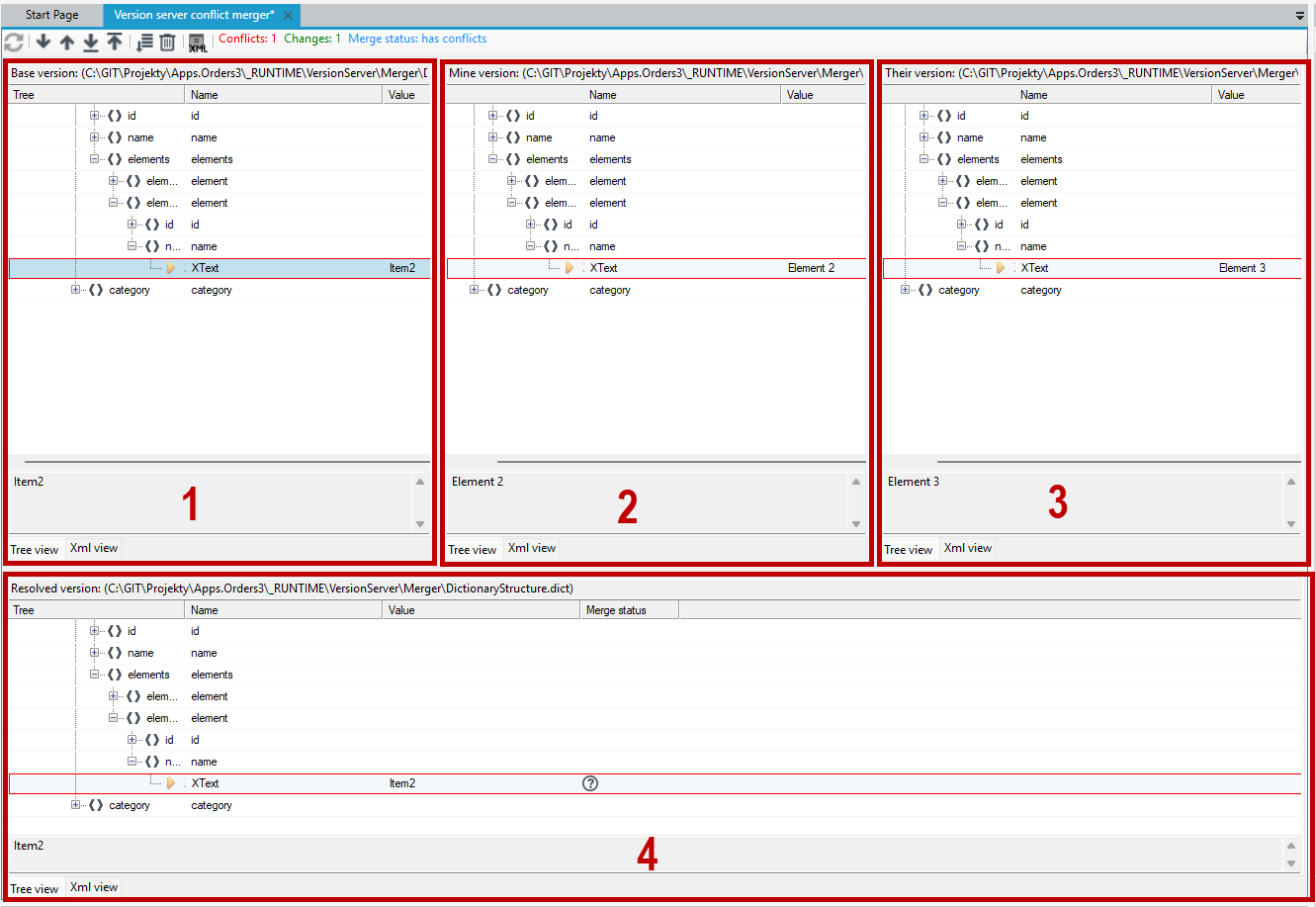
The archITekt Merger functionality enables resolving conflicts in version server files when working in a file-based version server environment integrated with a Git repository.
The application is designed as a tool to support the process of merging changes in situations where conflicts occur between different file versions. To achieve this, it should be integrated with a Git repository and configured as the default merge tool. When conflicts are detected while working with the Git repository, the tool is automatically launched within the archITekt Studio environment, allowing file comparison, preview of the merge result in the designer, and validation of correctness before accepting the changes. For more see: archITekt Merger.