Data space
The first element in the construction of SDO aggregates is the creation of a data space, i.e. a data schema, which will be used in the decision-computing engine.
By default, the data space is created by using the Random Data Generator block and the Output port. In the Random Data Generator block, the correct data schema for the aggregates is determined.
To build a data space in the archITekt environment:
- In the main window select the add icon or File>New or the New item icon. You can also add a new dictionary from a Version server panel. Right-click in the version server where the new dictionary structure is to be created and select New>New element from the context menu.
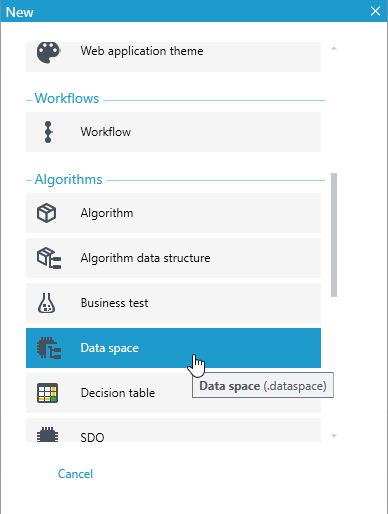
- Then select Data space in the popup window.
After selecting the above, a designer is displayed, where it is possible to create a block diagram of the data flow. The most commonly used and recommended for building a data structure is a schema consisting of two blocks: Random Data Generator and Output port.

- After creating such a schema, we go to the Random Data Generator block (right mouse button on the block and details) and proceed to the actual creation of the data space:
- Use the context menu and the Add option. You can add variables, records, etc. or copy the data schema from the processing package.
Example view of the defined space.
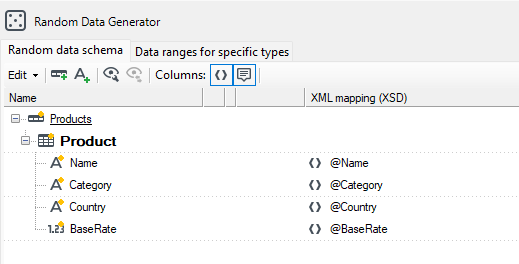
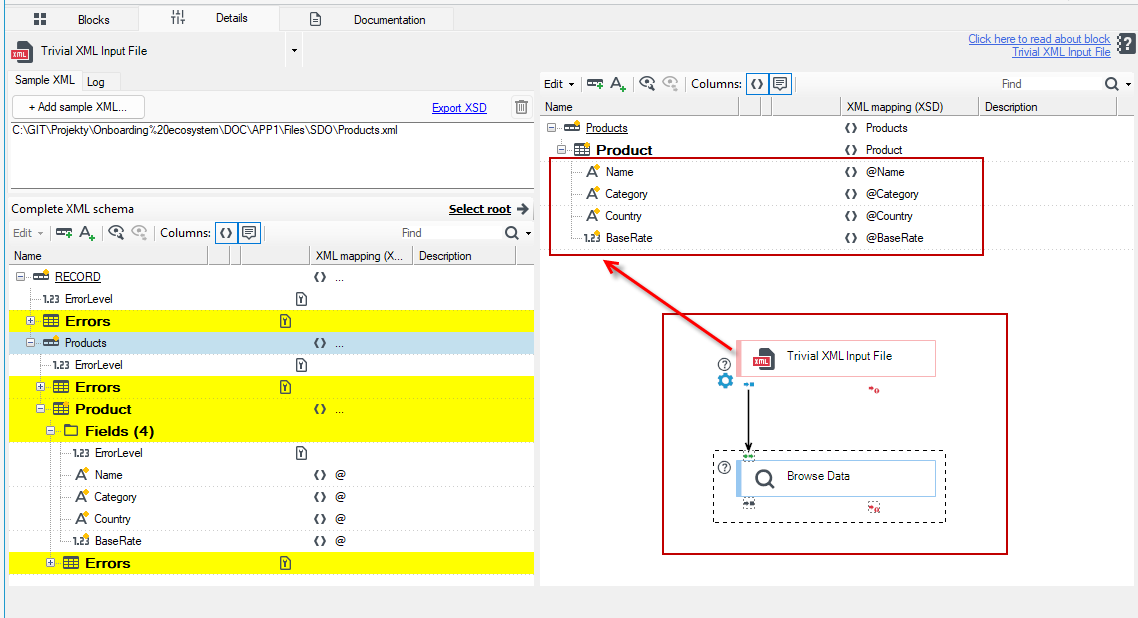
In the above case, the data schema has been copied from a previously created processing package, in which data is retrieved from an XML file.
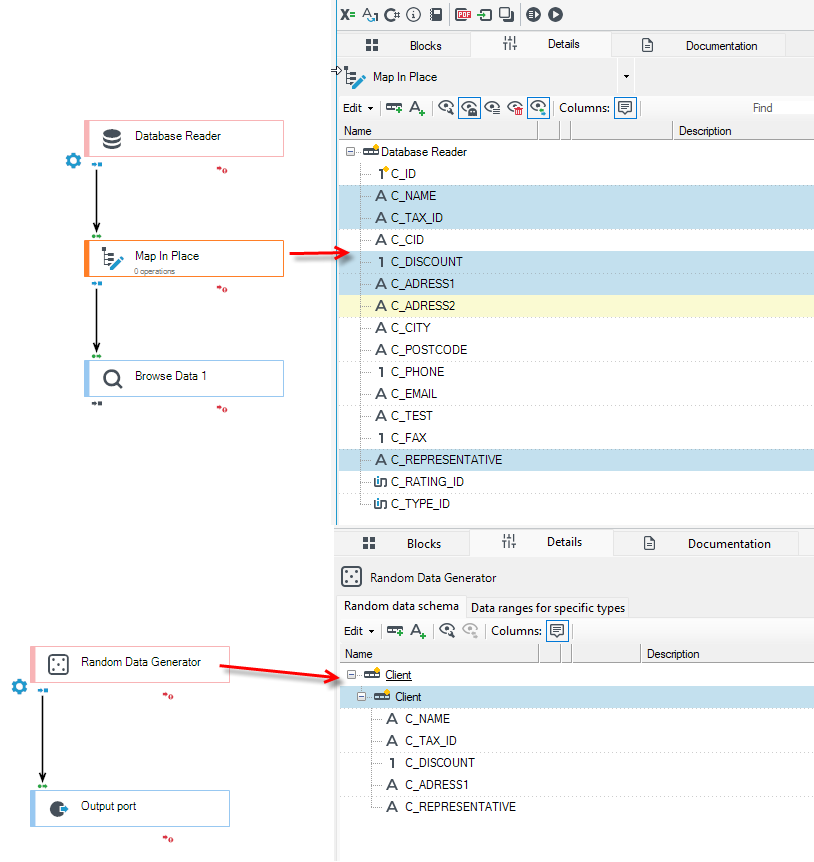
If you are taking data from a database too, you can copy the appropriate fields from the data schema to the data space.
The data flow diagram is used only to define the data space. Once it has been built and saved, there should be no attempt to run the flow in any way.