Customize the view
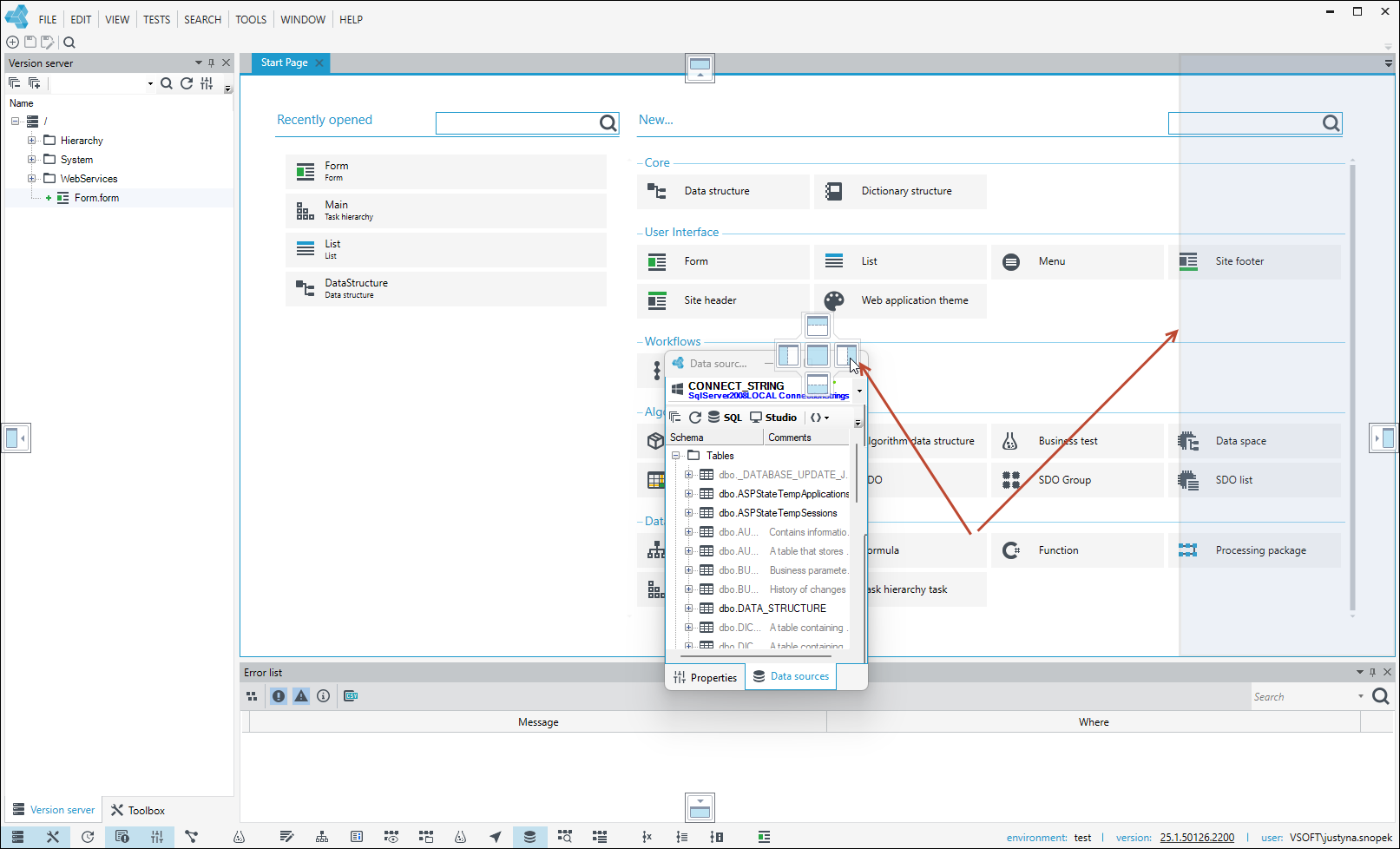
You can customize Application tabs and panels to change their size and arrangement on the computer screen.
- Select the chosen window or tab by left-clicking and holding it.
- Drag a window or tab over the docking icons displayed on the computer screen.
- Halt the window or tab over the desired dock icon (up, down, right, left) and release the mouse button.
- When you release the mouse button, the window or tab will be automatically placed at the selected location.
- The place where the bookmark is placed will be highlighted.