Anonymous mode
The archITekt platform gives you the possibility to use anonymous mode in the application. For forms, lists, actions and parts of the GUI, you can give access to a non-logged-in user.
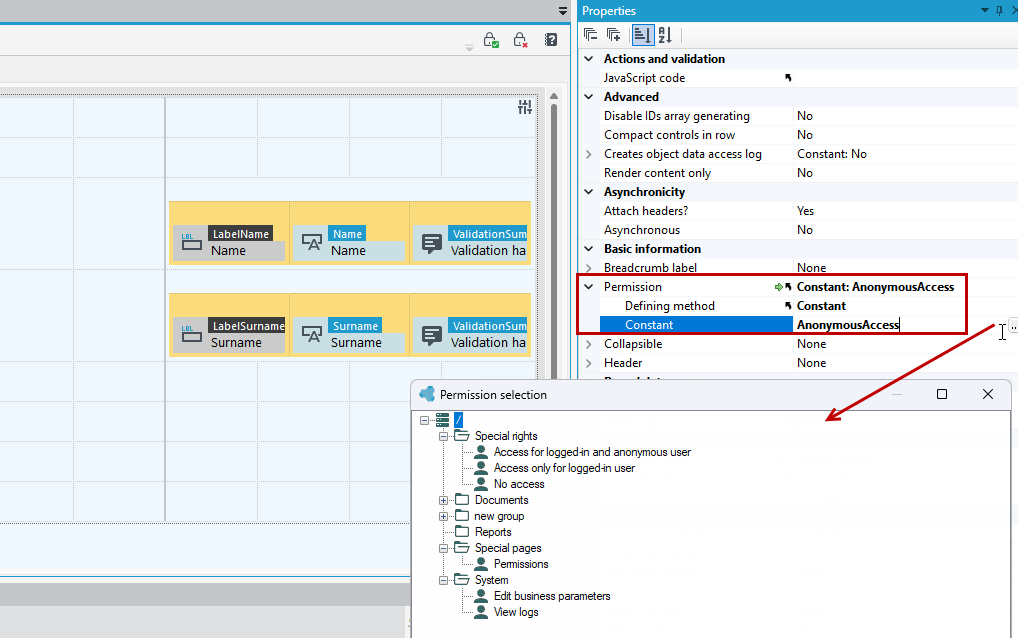
By default, each form, list, action is protected from non-authenticated users. To give anonymous user access to a particular component, use the Special rights group and select the anonymous access option.
- You can find access to permissions on the Properties panel in the Permission section.
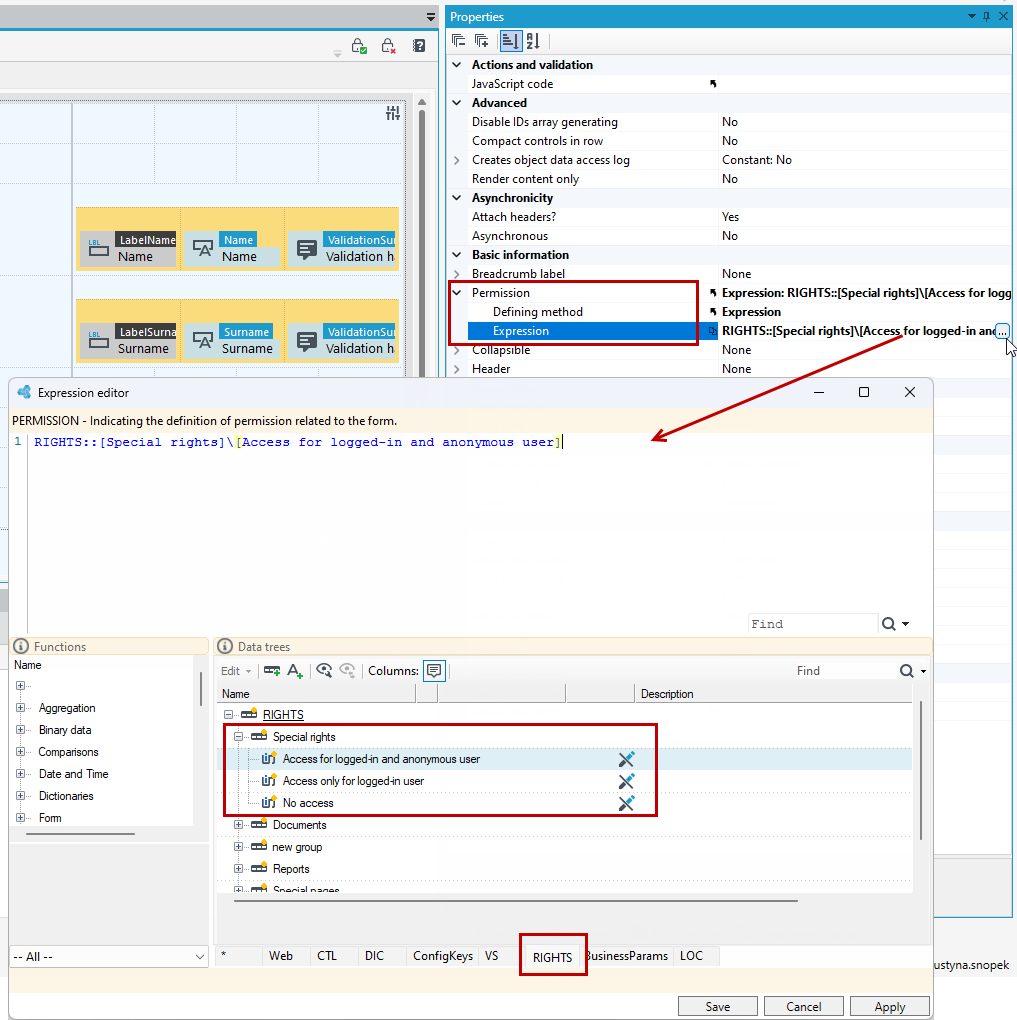
- You can also define permissions by expression. In that case, the permissions are located in the expression editor on the RIGHTS tree.
- Remember to modify everything on the form for access by a non-logged-in user (buttons, controls, etc.).
- If you set permissions on the entire form, also remember to properly configure the actions available on the form.
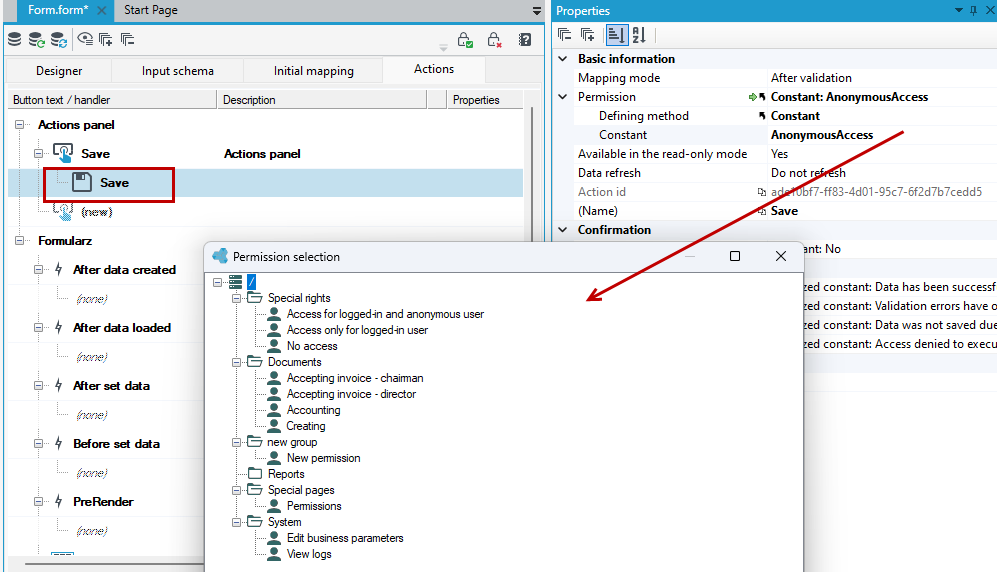
The setting is global for the entire form, it cannot be set for a specific container.
Cookies and binding of user data
The application gives each anonymous user a unique ID (anonymous-[ID]). A session with a comparison to a logged-in user's session, which is valid for 30 minutes by default, expires one year after the ID is generated.
Once logged in, the anonymous user's ID is merged with the logged-in user's session. The anonymous user ID is only available until you log out, so if there is any data associated with the anonymous user then it is best to re-assign it to the user ID as soon as you log in, e.g. elements in the shopping cart in the ordering application
Lists
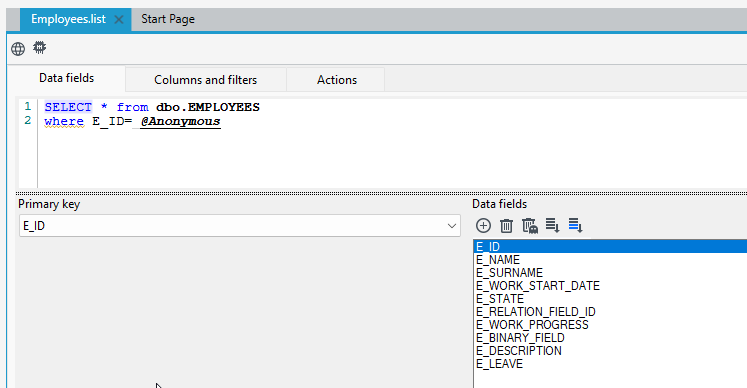
For lists, the anonymous user ID can be accessed in SQL queries and filters via the @Anonymous parameter or via @Me if we are not logged in.
Expressions
There are functions available in expressions:
GetAnonymousUserId() - Function returning anonymous user ID. For a logged-in user, the function returns the last related anonymous identifier.GetAnonymousUserId() will return the same as GetCurrentUserID() if we are not logged in.
IsUserLoggedIn() - Function that checks if the current user is logged in (authenticated).
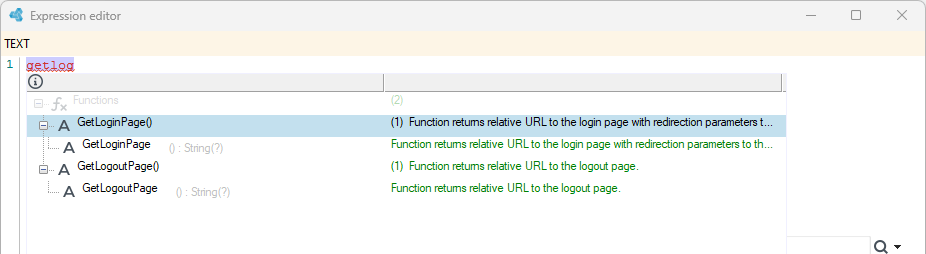
GetLoginPage() - Function returns relative URL to the login page with redirection parameters to the current page. Additional parameters allow users to return to the oroginal location after logging in.
GetLogoutPage() - Function returns relative URL to the logout page.
Formulas
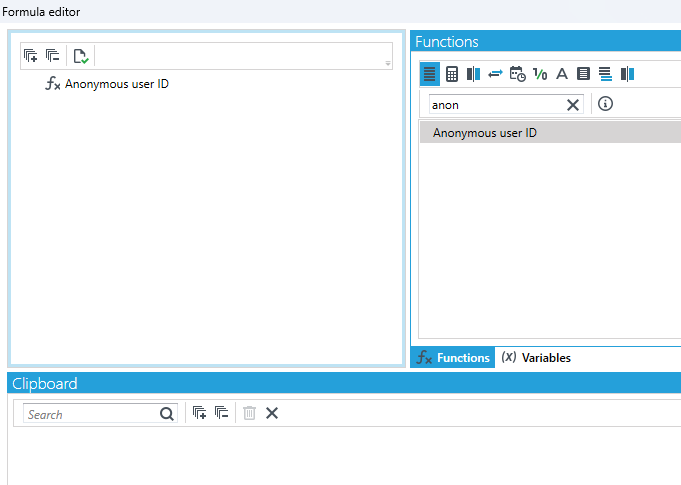
By using formulas, the Anonymous user ID function is available.