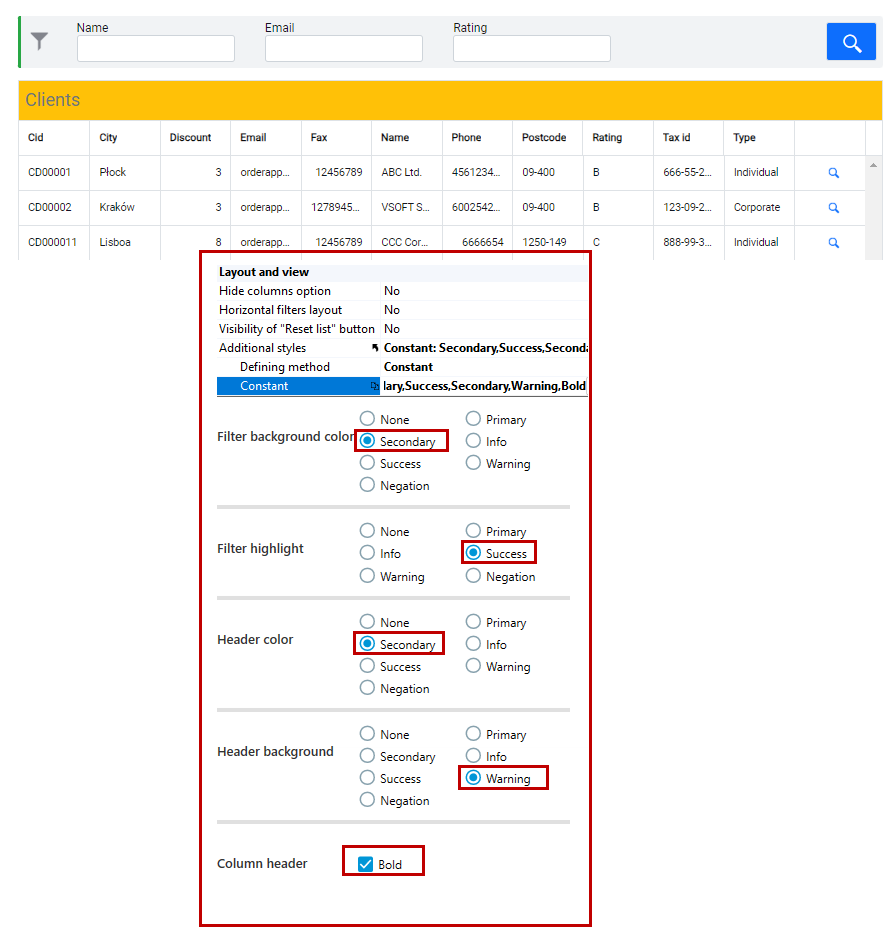
Modifying the appearance of the list and filters
You can modify the appearance of the list within:
- setting the background color of the filters,
- setting the filter highlight color,
- list header color setting,
- setting the background color of the list header,
- setting the column header as bold.
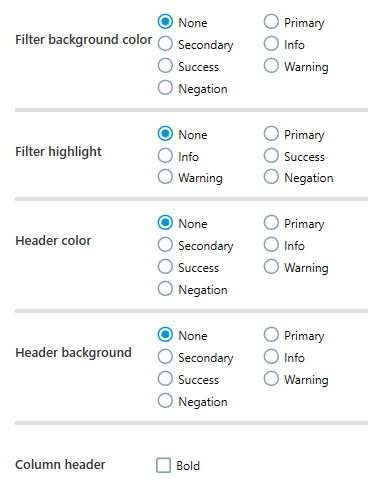
- You can modify the styles on the Properties panel in the Additional styles section.
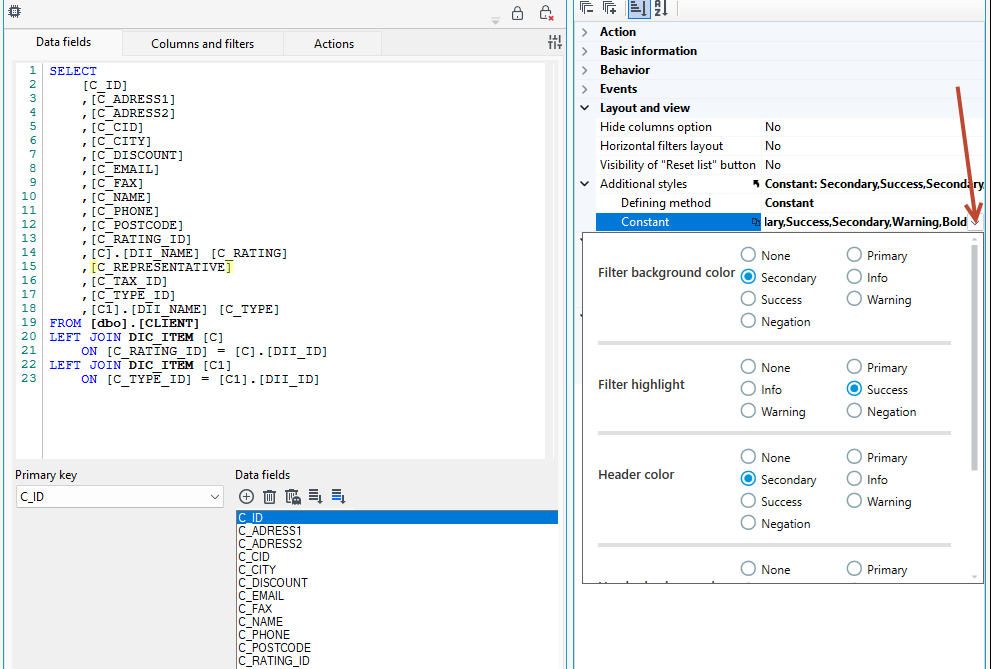
In the following example, the appearance for the filter and list header has been modified as follows: