Generating a test document
After validating the mark-up and fixing all configuration errors in the document, you can test the document generation using test data.
- Select the Generate button from the Actions ribbon.

- Enter the test data in the window that appears.
- The left column displays all the fields used for the tags in the document. On the right, enter values for each field.
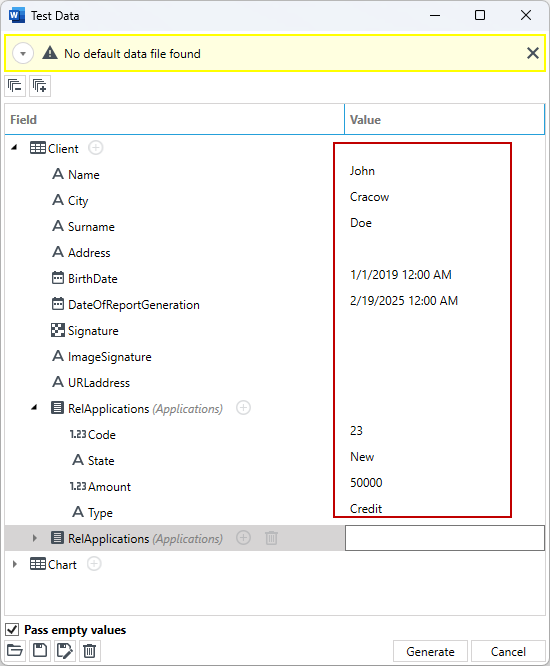
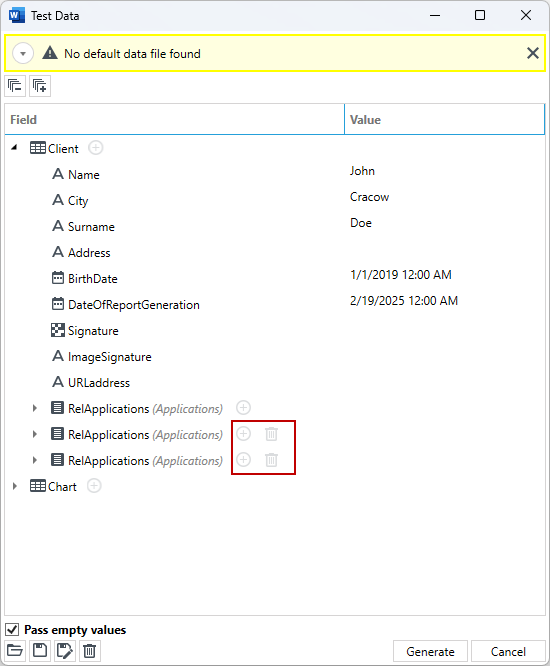
- If you need to test the behaviour of the tag for multiple records, add a new test record with the + button next to the table to enter another record for a given table.
- After entering all test data, select the Generate button. The generated test document will be opened as a new MS Word file.
tip
The entered test data can be saved and reused for document tests. The test data file is saved in the indicated location and has the extension .vdd