Work environment
From the level of the archITekt tab in Word, you can access all functionalities of the Documents generation.
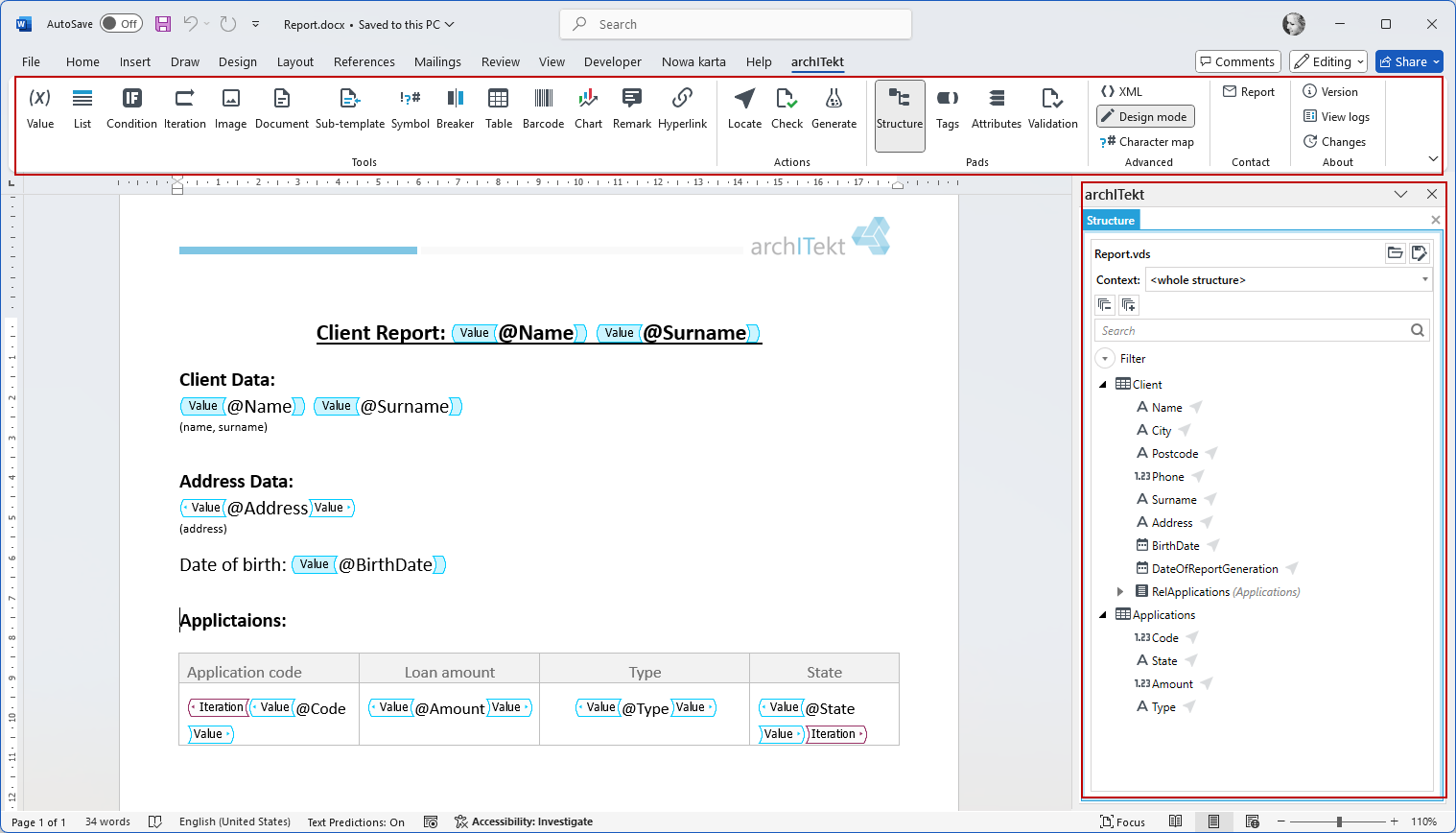
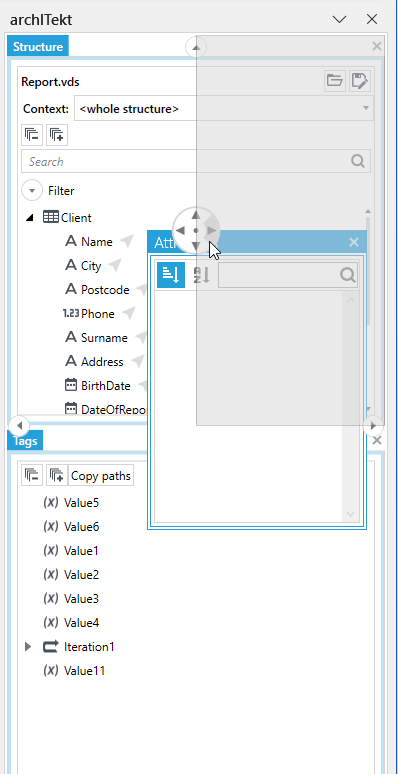
In the Windows pads there are buttons activating panels with data structure, tags, tag attributes and a panel presenting validation errors. Panels are displayed on the right side of the window can be moved and docked anywhere within that window.
In the Tools section there are tags that can be inserted into the document.
The Actions section gathers actions related to finding tags, document validation and testing document generation with the use of test data.
The remaining section gathers auxiliary actions that allow you to view the application version, the document's xml structure, etc.
See also
Creating a document data structure