Working with the document data structure
After creating the data structure for the document, save it. The structure is saved each time you save the Word document for which it is created. By default, the data structure is saved in the same directory where the created document is saved, and the name of the structure is the same as the name of the created document, except that the file extension with the data structure is .vds
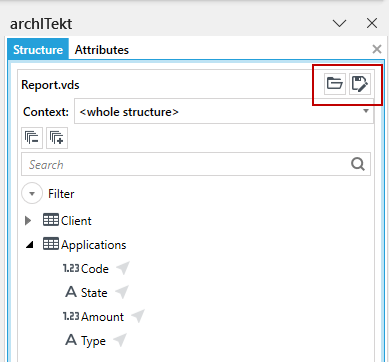
You can also save the data structure anywhere and give it any name. To do this, select the Save As button in the Structure panel. You can also import the previously created structure for the document you are creating. To do this, select the Open button in the Structure panel.
One data structure can be used for many different documents.
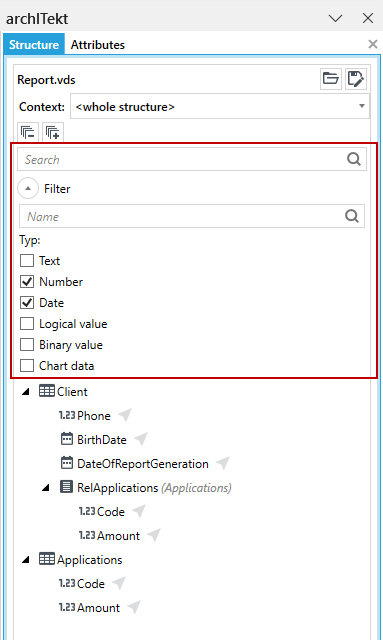
The Structure panel also allows you to expand / collapse all tables and their fields that are created within a given structure (buttons + and -), search for fields in the structure (Search field) and display only fields of specific types on the structure (Filter button).
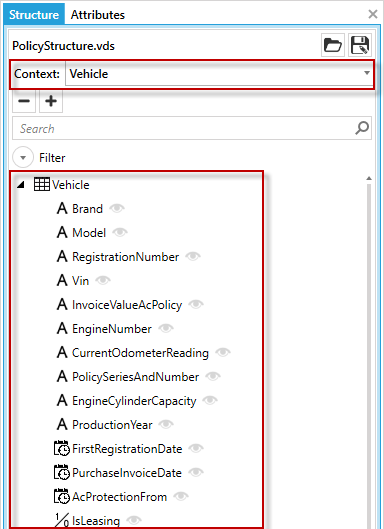
You can also narrow down the structure context, i.e. display only the table indicated in the Context field and its data. This is especially useful when working with very complex data structures.