Change of rules
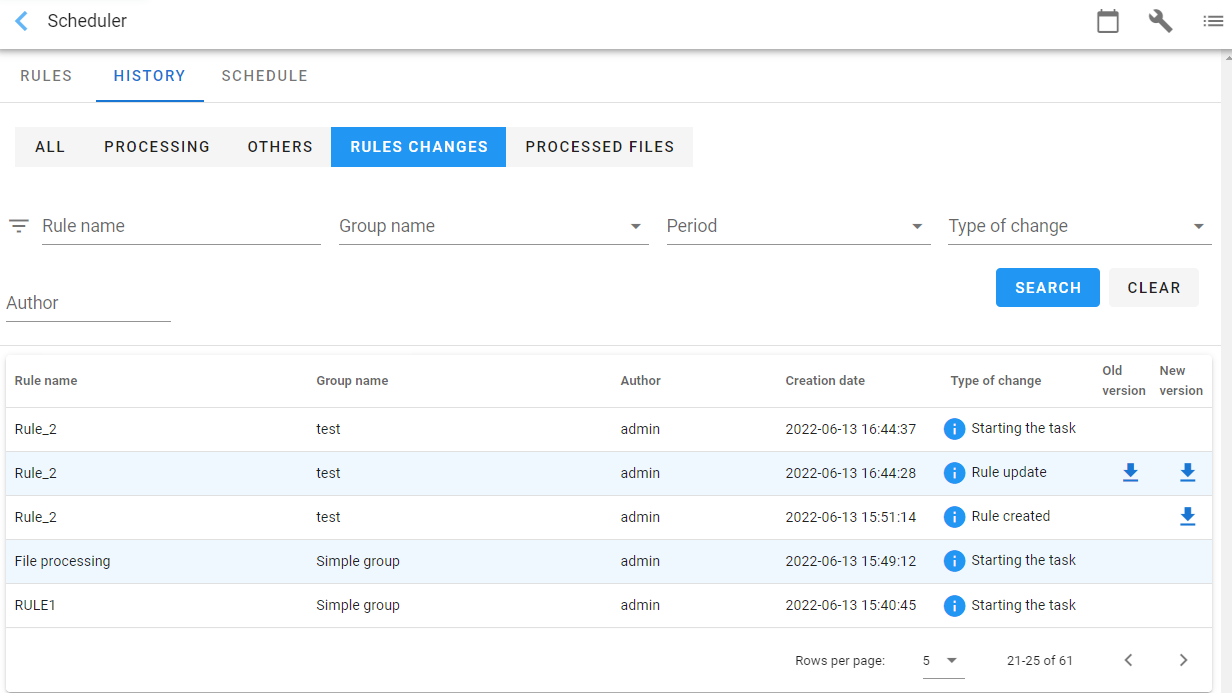
After selecting the Rules changes tab, a list with the changes to the processing rules will be displayed, for example, when a rule is updated or a task is started with a selected rule, or a new rule is created.
- You can download the old and new versions of the rule. Select the download button in the table column. When creating a rule, you can only download the new version, i.e. the version of the rule that was created during its creation. If changes have been made to the existing rules then you can download the old version (before the changes) and the new one (after the changes).
Next section: Creating a task that monitors the directory with files