Processed files
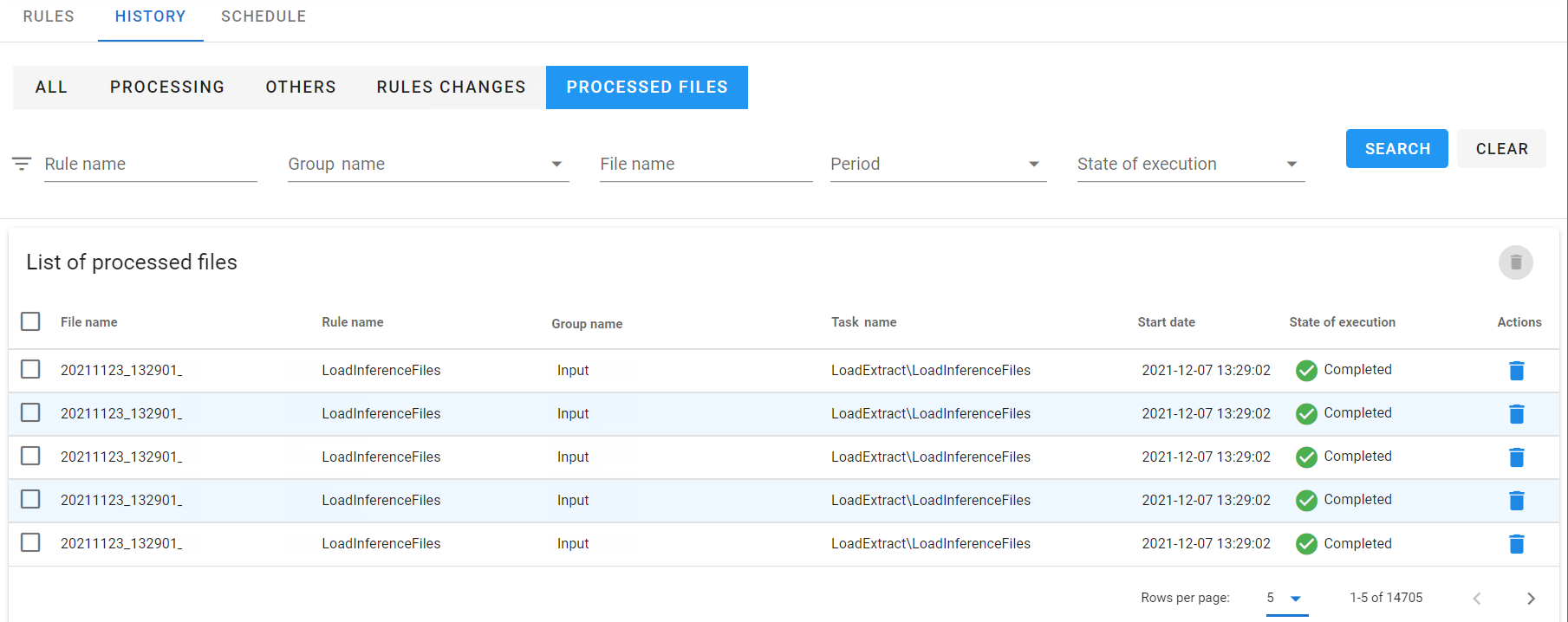
After selecting the Processed files tab, a window with a list of all processed files will be displayed. The Processed Files list panel is a table of files processed by the defined processing rules.
The table contains information on the rule name and group, processing status, file and task name, and date of running.
- In order to delete a file, select the Delete action on a given record or select the records and perform Delete from the Action Panel to delete several files at once.
- Information about the file deletion will be placed in the Rules changes menu.