Schedule view
The Schedule tab allows you to view the times at which the rules are triggered. Access to the schedule view is possible after clicking on the Schedule tab.
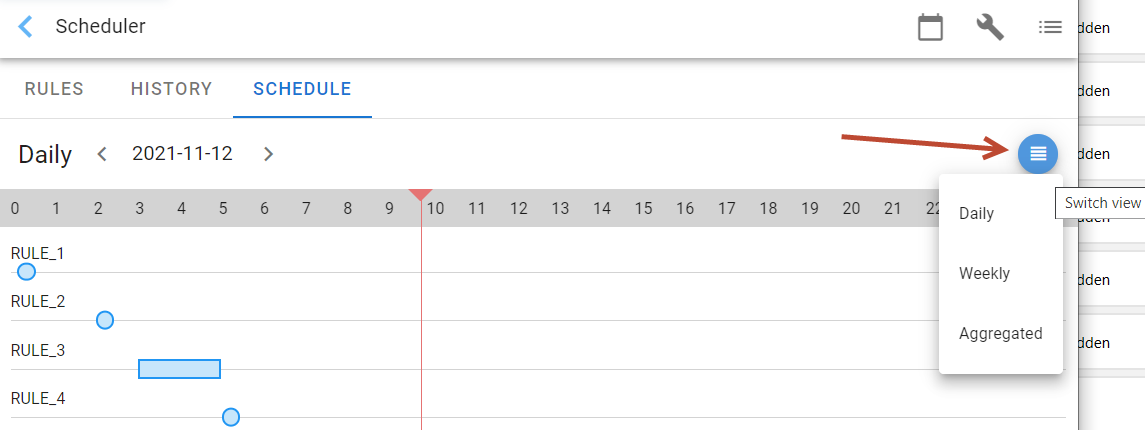
In the displayed window, the user can select three types of views: aggregated, daily and weekly.
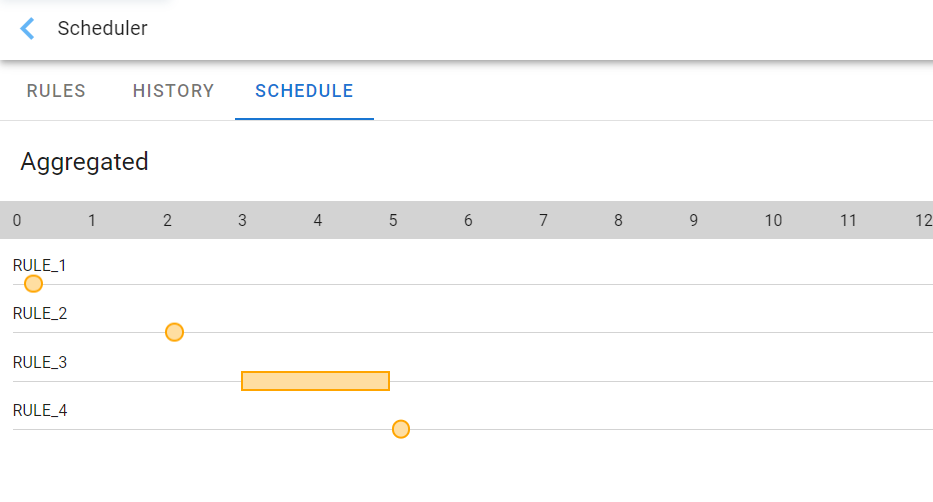
The aggregated view shows all automatic tasks occurring in the System, along with information when these tasks are run.
 The Daily view only shows the tasks that run on that day. The day should be indicated in the date field.
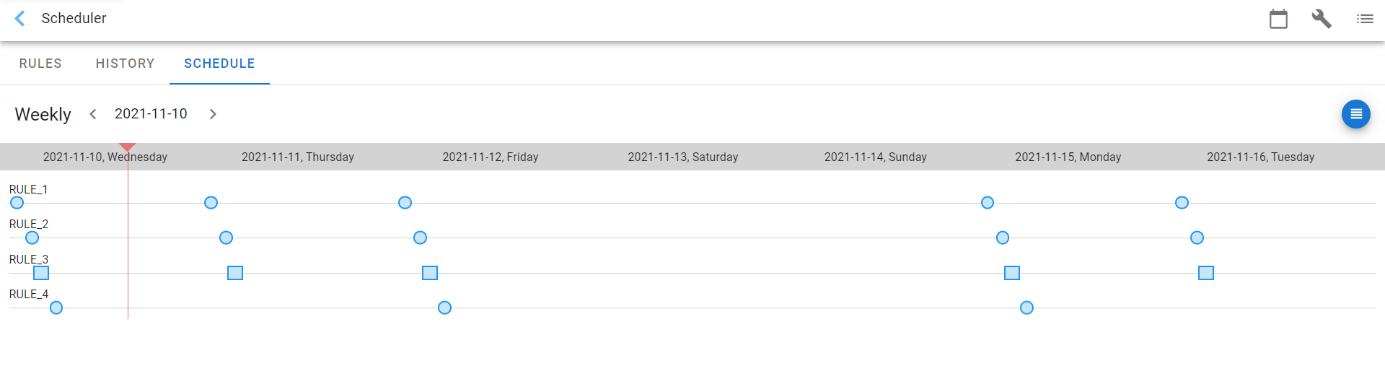
The Weekly view shows the tasks that run during the selected week. Select the first day of the week in the date field.