Versioning
The database Version server enables versioning of files stored in it and saving all information about changes that were applied to a given element.
A new version is created when:
- you choose Check out,
- you create a New element,
- you recover a file version,
- you make changes to one of the previous versions,
- you import a file the current version of which differs from the imported one.
Each version of the file is assigned an expiry date, specifying from when it "works" in the created application. If two versions have the same effective date, the version creation date is checked and the version with the later date is respected.
We can distinguish the following states in which a version (and indirectly a file) can be found:
- current version - a version of which the validity period covers the current date,
- edited version - a version that was opened in edit mode,
- incorrect version - a version that, due to errors made during editing, does not meet the validation conditions.
Information about the file status is available in the Properties panel.
Thanks to versioning it is possible to:
- track the lifecycle of a file - you can see who, when and what changes have been made in the Tracking section
- restore or correct any historical version - see Restoring a version.
- maintain the consistency of the application, despite the changes introduced to its elements.
Version Properties
You can display the properties window for the selected version.
- Select the Version server panel.
- Select the file on the version server.
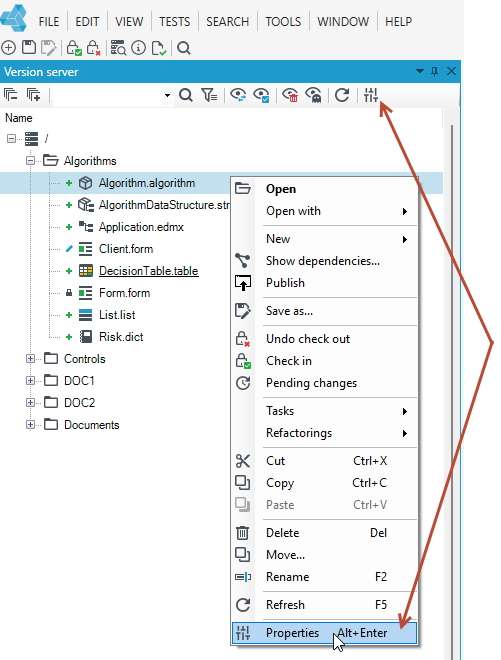
- Right-click and select Properties from the context menu or from the top menu.
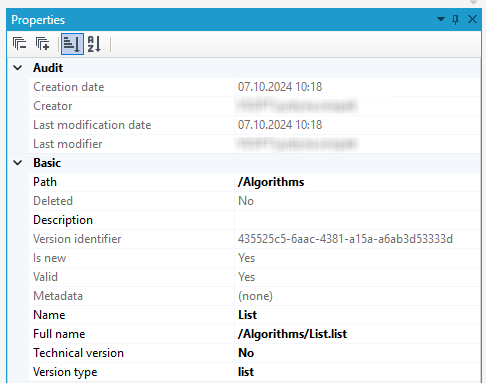
The Properties window contains basic information about a given version, grouped in sections:
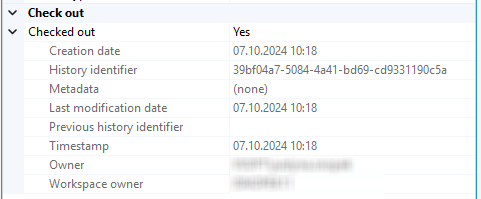
Check out- informs if the file is being edited, and if the version is being edited, then additional information is displayed in this section, including the effective date of the version.
Basic - version properties:
-
Path - where the version is located.
-
Description - you can enter optional text describing the file's purpose, structure.
-
Version identifier - A unique key generated for each version server file that allows it to be uniquely identified.
-
Is new, Valid, Deleted - Information about the version being new, correct or whether it was deleted.
-
Metadata
-
Name - here you can change the name of the version, which will also be changed in the version server tree.
-
Full name - Full name with extension.
-
Technical version - in this field you can choose whether the version has a technical status.
-
Version type.
Audit- version creation and modification data
- Creation date - date when the first version of the file was created.
- Creator - The person who created the first version of the file.
- Last modification date
- Last Modifier - The person who last made changes to the version.
Version history
You can display a window with a complete list of versions from the oldest to the newest.
This functionality is available only for the database version server.
- Select the Version Server panel.
- Select the file on the version server.
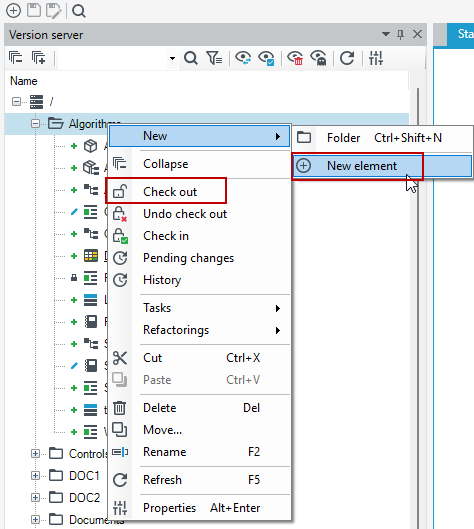
- Right-click and select History from the context menu.
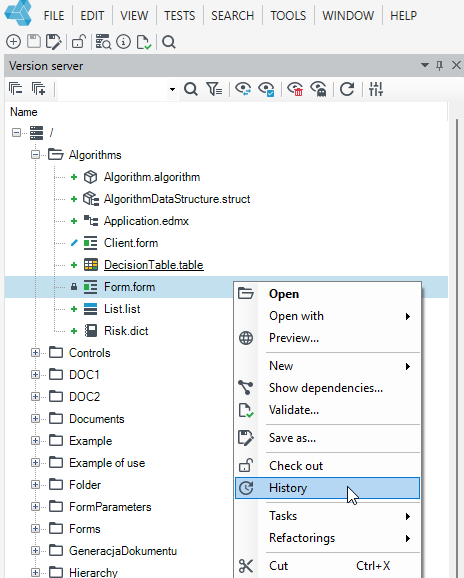
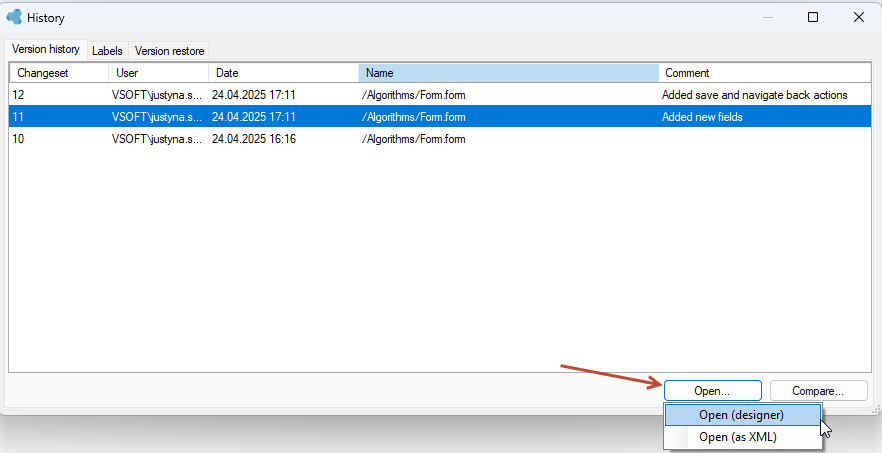
In the History window, you can go to the preview of a particular version in the designer window or to the XML view . Select one of the Open options.