Microworkflows
The microworkflow is usually an uncomplicated workflow, started from the level of the form button, for which we do not want to save its tracking in the database. Microworkflows are used to perform short operations on demand. An example of such an operation may be the calculation of fields on the form by calling a series of models and tables, or calling a network service returning data (if we do not want to keep a register of calls for a given service).
The principle of building a microworkflow is the same as for ordinary workflows. Microworkflow instances and their execution flows are not saved in the database; they run from the Start activity to the End activity, and the State activity cannot be used.
To correctly define the microworkflow:
- add elements to the microworkflow and configure them,
- create connections between the microworkflow elements,
- save and finish editing microworkflow.
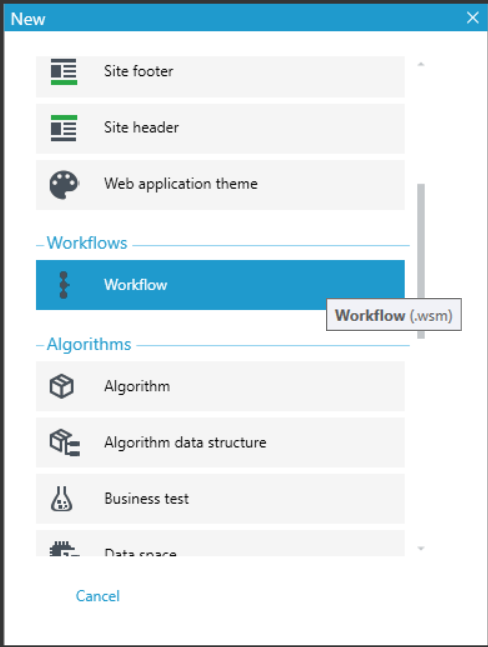
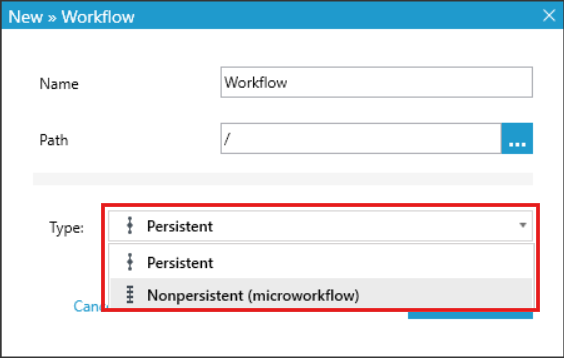
You decide whether you create a Persistent or a Nonpersistent (microworkflow) workflow when you add a new file to the Version server. In the Workflow window, select the type of workflow you want to create.